

WordPress to Next.js Migration: How to Move Without Losing SEO
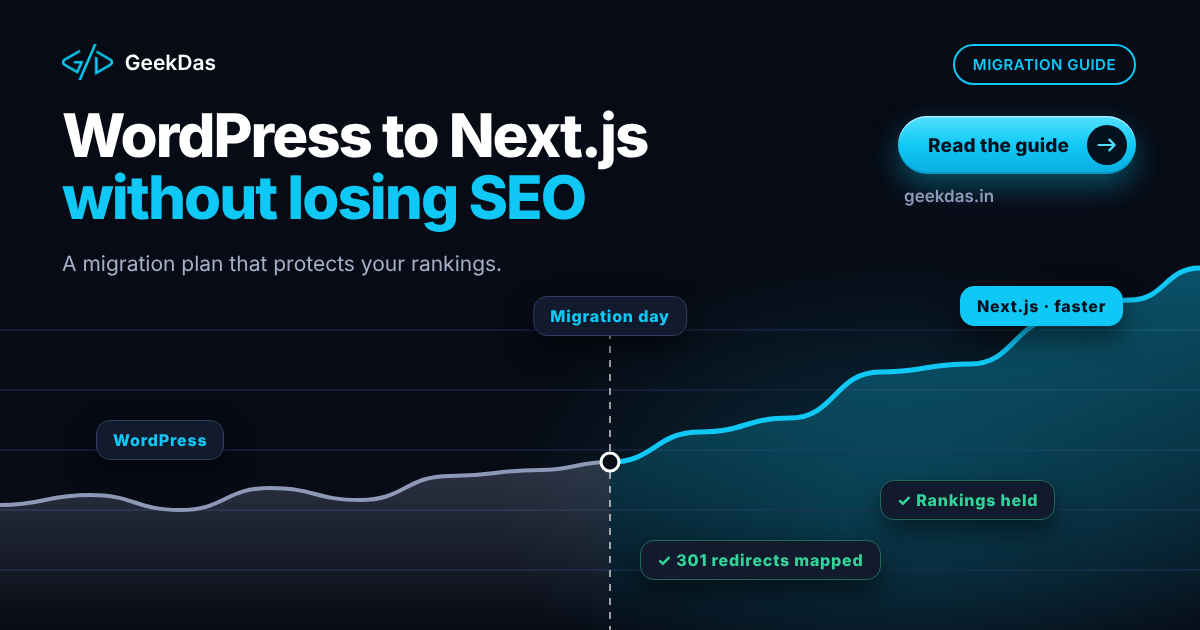
For many businesses, WordPress is a perfectly good home. But a site that has accumulated years of plugins, a heavy theme and rising maintenance work can become slow, fragile and a constant security concern. A move to Next.js, a React framework that can deliver fast, search-friendly pages, is one way out.
The fear holding most owners back is not the build. It is the risk to search traffic. A migration done carelessly can drop rankings, and a migration done carefully can leave them intact or improve them. This guide explains when migration is worthwhile, the options for managing your content, the step-by-step process that protects SEO, and the mistakes to avoid.
Should you migrate at all?
Migrate for specific problems, not for fashion.
Reason to migrate | What to check first |
|---|---|
The site is slow even after caching | Is it hosting, images or the theme? A performance audit answers this |
Plugin updates keep breaking things | Count plugins; can some be removed? |
Security incidents or constant patching | Consider the true cost of maintenance |
You need custom functionality WordPress handles awkwardly | Could a plugin do it cleanly? |
You want a tailored design and full control | Is a theme redesign enough? |
Hosting costs are high for acceptable speed | Compare with a leaner stack |
Stay on WordPress if your site is fast enough, your team enjoys the editor, and maintenance is manageable. WordPress is a strong content system, and moving is a real project. The broader comparison of options is in custom website development vs website builders.
What changes when you move to Next.js
WordPress | Next.js | |
|---|---|---|
Rendering | Pages built on request by PHP, usually cached | Pages can be pre-built or rendered on the server |
Theme and plugins | Large ecosystem, each adds code | You include only the code you need |
Speed | Depends on hosting, theme and plugins | Typically fast by default when built well |
Editing | Familiar admin | Depends on the CMS you choose |
Security | Core, theme and plugins need constant updates | Fewer moving parts, but dependencies still need updates |
Hosting | PHP and MySQL | Node.js or static hosting platforms |
Three ways to manage content after migration
1. Keep WordPress as a headless CMS
WordPress remains your editing interface, and Next.js reads content through its API and builds the public site. Editors keep their workflow; the public site becomes fast. Downsides: you still maintain WordPress, and some plugins (forms, SEO plugins that output markup) no longer control the front end.
2. Move to a dedicated headless CMS
Tools built for structured content give editors a clean interface and developers a clear API. This avoids maintaining WordPress at all, but needs content migration and editor training.
3. Content in a database or files, with a custom admin panel
A lean option for developer-maintained sites and blogs, and friendly to editors if a simple admin interface is built on top. GeekDas manages its own blog this way, through a separate admin panel and API.
Choose by who edits the site and how often. If marketers publish daily, preserve a comfortable editor.
The SEO-safe migration process
Step 1: Benchmark before you change anything
Record current rankings, organic traffic and the top landing pages in Search Console and your analytics. Crawl the existing site and export every URL, title, meta description, heading, canonical and status code. This is your baseline and your checklist.
Step 2: Map every URL
Decide where each old URL goes. The best result is identical URLs on the new site, since nothing needs redirecting. Where URLs must change, plan a one-to-one mapping to the most relevant new page.
Step 3: Rebuild content and metadata faithfully
Carry over titles, meta descriptions, headings, body content, image alt text, internal links and structured data. Improving content during migration is tempting, but change as little as possible at once so you can attribute any ranking changes.
Step 4: Implement redirects
Use permanent (301) redirects for every changed URL. Avoid redirect chains and loops. Test them against your URL list.
Step 5: Rebuild technical SEO
Canonical tags pointing to the correct URL
XML sitemap listing the new URLs
Robots rules that do not block important pages
Structured data (for example
BlogPosting,BreadcrumbList,Organization)Correct status codes (a missing page should return 404, not a soft 200)
Open Graph and social metadata
Step 6: Build on a staging site and compare
Keep staging out of search with authentication or noindex, then crawl it and compare against your baseline: same URLs, same titles, same headings, working redirects, no broken links.
Step 7: Launch at a quiet time
Switch DNS, re-submit the sitemap in Search Console and monitor immediately. Remove staging noindex rules that should not carry over; leaving "noindex" on the live site is a classic and costly mistake.
Step 8: Monitor for weeks
Watch Search Console for crawl errors, coverage changes and traffic by page. Short-term ranking fluctuations after a migration are common; investigate sharp or sustained drops.
What usually improves
A well-built Next.js site tends to improve speed and Core Web Vitals, which supports user experience and can help search performance. But speed is one factor among many; content, links and competition continue to matter, so do not expect a speed upgrade alone to move rankings. Be wary of any provider who guarantees a result.
Forms, search, comments and plugins
List every WordPress feature that depends on a plugin and decide how to replace it:
WordPress feature | Typical Next.js replacement |
|---|---|
Contact forms | Custom form with a backend endpoint and spam protection |
Site search | A search API or client-side index |
Comments | A custom comment system or third-party service |
SEO plugin | Built-in metadata, structured data and sitemap generation |
Analytics and pixels | Script integration with consent management |
E-commerce (WooCommerce) | A custom store or headless setup; see WooCommerce vs custom e-commerce |
Redirect manager | Redirect rules in configuration |
Timeline and cost factors
On GeekDas service pages, migrations commonly take 3 to 8 weeks. The main drivers are:
Number of pages and templates
Content volume and cleanliness
Number of plugin-based features to rebuild
Chosen CMS approach
E-commerce or membership functionality
Design changes during migration
Fixed-price quotes are possible after a crawl of the existing site.
Common mistakes
No baseline, making it impossible to judge the outcome.
Changing URLs without redirects.
Launching with noindex left on.
Dropping pages that earn traffic because they looked unimportant.
Forgetting images and their alt text.
Rebuilding and redesigning at once, making issues hard to trace.
Losing tracking codes and conversion events.
No post-launch monitoring.
How to choose a migration partner
Ask for their SEO migration checklist, whether they work with a crawl-based URL map, how they handle redirects and how they will measure the result. A partner who only talks about design is not the right one. See WordPress to Next.js migration services for how GeekDas approaches it, and hiring a Next.js developer if you plan to bring in someone yourself.
Why GeekDas
GeekDas is a one-developer practice in Jaipur, Rajasthan, with more than five years of Next.js experience across storefronts, SaaS products and content sites, including a large set of developer tools on its own site. Migrations are treated as SEO projects first, with a baseline, URL map and post-launch monitoring. That is a good fit for small and mid-sized sites; very large publishers with thousands of templates may need a bigger team.
Conclusion
Moving from WordPress to Next.js can deliver a faster, leaner and more maintainable site, but only if the migration treats SEO as the main deliverable: a baseline, a complete URL map, faithful content and metadata, tested redirects, a clean launch and careful monitoring.
If you are considering a move, send me your site address and your main concerns and I will tell you whether migration is worthwhile and what it would involve.
Was this article helpful?


Comments
Leave a comment
Loading comments...