

Website Redesign and Speed: A Core Web Vitals Guide Without Losing SEO
A website redesign is one of the few projects that can either lift a business or quietly damage it. Done well, a dated, slow site becomes faster, clearer and better at turning visitors into customers. Done badly, rankings fall, leads dry up and the new design looks good in a portfolio and nowhere else.
This guide explains when a redesign is justified (and when speed fixes are enough), how to measure what is wrong using Core Web Vitals, how to run a redesign that protects search visibility, and the mistakes to avoid. It is for business owners and marketers who need to brief a developer and judge the results.
Do you need a redesign or just a fix?
Start with evidence, not taste.
Symptom | Likely cause | Often fixed by |
|---|---|---|
Pages load slowly | Large images, heavy scripts, weak hosting | Performance work without a redesign |
Looks dated but converts well | Visual age only | Light refresh |
Poor mobile experience | Non-responsive layout | Redesign of templates |
Visitors leave quickly | Unclear messaging or structure | Content and layout redesign |
Hard for staff to update | Wrong CMS or setup | Content system change |
Brand has changed | Mismatch with identity | Redesign |
Technology is outdated or insecure | Old platform, abandoned plugins | Rebuild or migration; see WordPress to Next.js migration |
If your site is generating leads and ranking, be cautious. Change what is broken, not everything. For the build-or-buy decision when starting fresh, see custom website development vs website builders.
What Core Web Vitals measure
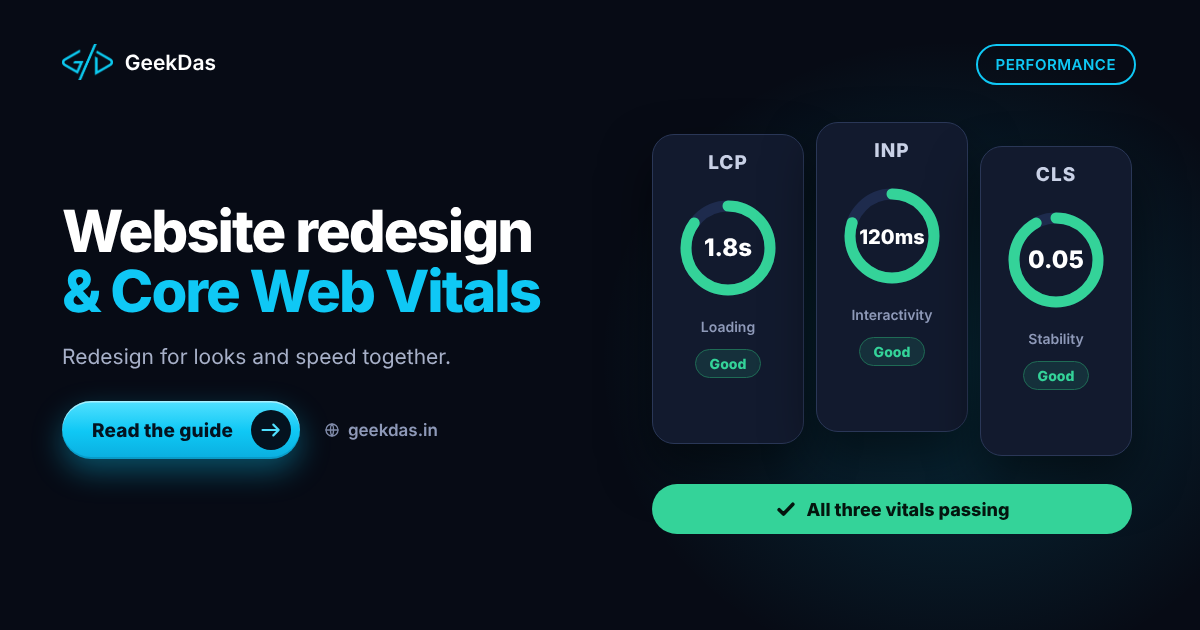
Core Web Vitals are Google's measures of real-user page experience. They are a ranking signal among many, so they are a tiebreaker and an experience improvement rather than a guarantee of better positions.
Metric | What it measures | Good threshold |
|---|---|---|
Largest Contentful Paint (LCP) | How quickly the main content appears | 2.5 seconds or less |
Interaction to Next Paint (INP) | How responsive the page is to interaction | 200 milliseconds or less |
Cumulative Layout Shift (CLS) | How much the layout jumps while loading | 0.1 or less |
These thresholds are Google's published guidance, and they are assessed at the 75th percentile of real visits. Check web.dev for current definitions.
Where to measure
Search Console, Core Web Vitals report: real-user data grouped by page type.
PageSpeed Insights: real-user (field) data where available plus a lab test with specific suggestions.
Lighthouse in Chrome DevTools: lab test for debugging.
Real devices: test on a mid-range Android phone over a normal connection, not only a fast laptop.
Lab scores are useful for debugging; field data is what counts.
Common causes of poor scores and the fixes
Slow LCP
Oversized hero images. Serve correctly sized images in modern formats (WebP or AVIF) and prioritise the main image.
Slow server response. Improve hosting, caching or rendering strategy.
Render-blocking CSS and scripts. Inline critical CSS, defer the rest.
Web fonts that delay text. Limit font weights and use
font-display: swap.
Poor INP
Heavy JavaScript blocking the main thread. Remove unused libraries and split code.
Many third-party scripts (chat widgets, tag managers, trackers). Audit and remove those that do not earn their cost.
Complex page builders that add layers of scripts.
High CLS
Images and embeds without set dimensions. Always reserve space.
Ads, banners and cookie notices that push content down.
Late-loading fonts that change text size.
Many of these are fixable without a redesign, which is why an audit should come first. Where the underlying platform is the cause, a rebuild may be justified. The website redesign and speed optimisation service covers both approaches.
The SEO-safe redesign process
1. Audit and benchmark
Record current rankings, organic traffic, top landing pages, conversion rates and Core Web Vitals. Crawl the site and list every URL with its title, headings and status code.
2. Define goals
Decide what success means: faster pages, more enquiries, a clearer message, easier editing. Without goals, a redesign becomes a taste debate.
3. Protect what works
Identify pages that earn traffic and leads. Keep their URLs, core content and internal links unless there is a strong reason to change them.
4. Plan the structure
Review the information architecture. Simplify navigation, group related pages and make sure the key services are within a couple of clicks of the homepage.
5. Design and build mobile first
Most visitors are on phones. Design for small screens first, then scale up. Build with performance budgets, such as limits on image weight and script size.
6. Rebuild SEO elements
Titles, meta descriptions, headings, canonical tags, structured data, image alt text, sitemap and robots rules. Do not accidentally lose them in the new templates.
7. Redirect every changed URL
Use permanent redirects mapped one-to-one. Avoid chains and loops, and test the list.
8. Test on staging
Crawl the staging site (kept out of search), compare with your baseline, check forms, tracking and performance on real devices.
9. Launch carefully
Choose a quiet period, switch over, submit the sitemap, remove any staging noindex and monitor immediately.
10. Monitor and iterate
Watch Search Console, analytics and conversion for several weeks. Fix issues quickly, then plan improvements from the data.
Content during a redesign
It is tempting to rewrite everything. Resist doing it all at once. Rewrite weak pages deliberately, keep high-performing ones largely intact and track changes so you can see what helps. Make sure pages answer the questions visitors actually have. If you also plan a new landing page for campaigns, see the landing page guide.
Conversion, not just appearance
A redesign should improve outcomes, not only looks:
A clear value statement at the top of the homepage
Obvious next steps (contact, quote, book a call)
Proof that is genuine: real work, real client names with permission
Simple, short forms
Visible contact options, including click-to-call and WhatsApp where customers prefer them
Accessible design: contrast, text size, keyboard navigation and alt text
Cost and timeline
On GeekDas service pages, redesign and optimisation projects commonly take 2 to 6 weeks, depending on pages, templates, functionality and the extent of performance work. Costs follow the same drivers as any website project, which are explained in the business website cost guide. A performance-only project is typically smaller than a full redesign.
Common mistakes
Redesigning without a baseline. You cannot prove improvement.
Changing URLs without redirects.
Launching with noindex still on.
Prioritising looks over speed, with large videos and sliders.
Heavy third-party scripts added back after launch.
Ignoring mobile in design reviews.
Dropping pages that bring traffic.
Skipping post-launch monitoring.
Expecting speed alone to transform rankings.
Checklist before launch
[ ] Baseline metrics recorded
[ ] URL map and redirects tested
[ ] Titles, descriptions and headings carried over or improved
[ ] Canonical tags and sitemap correct
[ ] Structured data valid
[ ] Core Web Vitals tested on real mobile devices
[ ] Forms, tracking and conversion events verified
[ ] Staging noindex removed on the live site
[ ] Accessibility basics checked
[ ] Backups and rollback plan ready
Choosing a partner
Ask how they measure performance before and after, how they protect SEO (URL map, redirects, metadata), and whether they build for speed from the start rather than adding optimisation at the end. Beware promises of specific rankings or scores. For hiring a developer with Next.js performance expertise, see how to hire a Next.js developer.
Why GeekDas
GeekDas is a one-developer practice in Jaipur, Rajasthan. Sites are built with semantic HTML, structured data, fast load times and responsive layouts, and GeekDas's own site follows the same approach. Redesign projects start with an audit and a baseline, and performance and SEO are treated as part of the brief, not extras. This suits small and mid-sized sites well; very large sites with many stakeholders may need a team.
Conclusion
Redesign for a reason: speed, clarity, mobile experience or maintainability, supported by evidence. Fix what Core Web Vitals and analytics show is wrong, protect pages and URLs that already work, and monitor after launch. A redesign succeeds when the numbers move, not only when the site looks newer.
If you want an honest view of whether your site needs a redesign or just a speed fix, send me the address and your main concerns.
Was this article helpful?


Comments
Leave a comment
Loading comments...