

WooCommerce vs Custom E-commerce Store: How to Decide
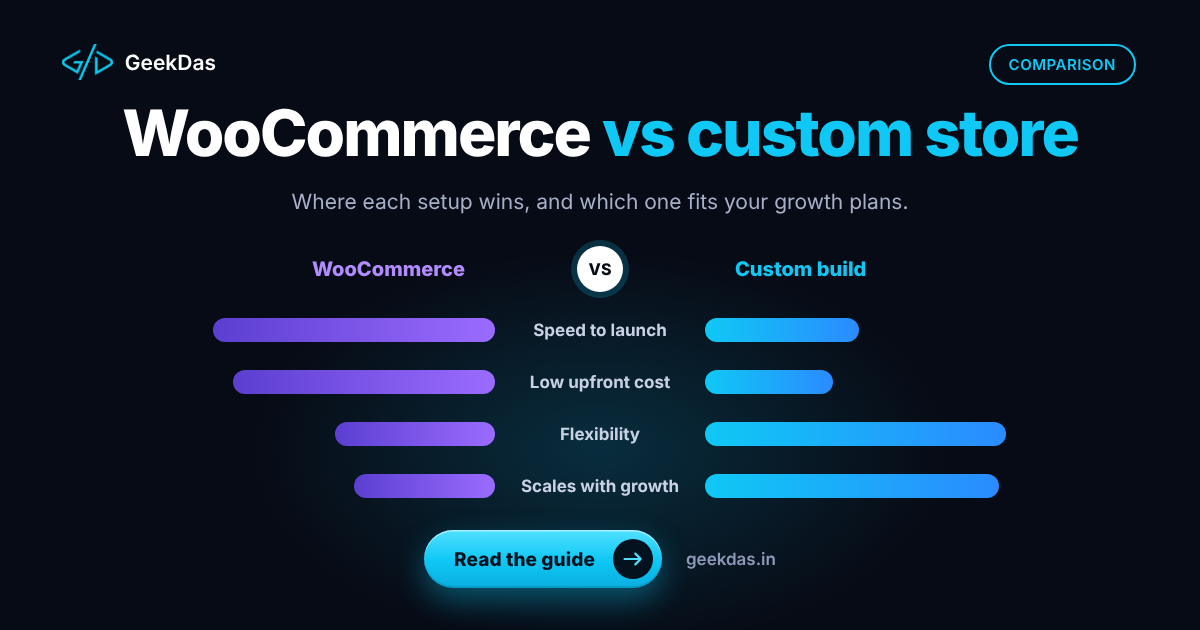
WooCommerce powers a very large number of online stores, and for good reason: it is flexible, familiar and quick to start. But a store that works well at fifty products and a few orders a day can feel very different at five thousand products, heavy traffic or unusual business rules. At that point many owners ask whether to keep patching WooCommerce or move to a custom store.
This guide gives a fair comparison. It is not an argument that custom is always better; often it is not. It explains where each approach is strong, the signals that it is time to move, and how to make the decision based on your business rather than on trend. For the wider platform picture including hosted options, see the e-commerce website development guide.
What each option is
WooCommerce is a free e-commerce plugin for WordPress. You choose hosting and a theme and extend it with plugins for payments, shipping, subscriptions, filters and more.
A custom store is built to your requirements, often with a modern framework such as Next.js on the front end and a purpose-built backend and admin panel. Nothing is included that you do not need, and anything you need can be built.
Side-by-side comparison
Factor | WooCommerce | Custom store |
|---|---|---|
Time to launch | Days to a few weeks | Several weeks (commonly 6 to 12) |
Upfront cost | Lower | Higher |
Customisation | Wide via plugins and code, within WordPress's structure | Unlimited |
Performance | Depends on hosting, theme and plugin count | Can be excellent, as only needed code ships |
Checkout control | Customisable, often via plugins | Fully tailored |
Plugin dependency | High; each plugin adds risk and weight | None; features are built in |
Security and updates | Your responsibility: core, theme and plugins | Smaller surface, but still needs maintenance |
Admin panel | Familiar WordPress admin | Built to your workflow |
Data ownership | Yours | Yours |
Scaling | Possible with strong hosting and tuning | Designed for your expected load |
Ecosystem | Huge | You build or integrate what you need |
Developer availability | Very wide | Depends on stack; mainstream frameworks help |
Where WooCommerce is the right choice
Your needs are standard: products, variants, coupons, shipping rules and common payment gateways.
You already use WordPress for content and want one system.
Budget and speed to market matter most.
You want to start now and revisit the platform later.
A plugin already does the unusual thing you need.
For these cases, the WooCommerce development service covers setup, customisation and fixes, and starting simple is a sensible strategy.
Signs you may have outgrown WooCommerce
1. Pages are slow and fixes do not last
Stacked plugins, heavy themes and large catalogues slow stores down. If you have tuned hosting, caching and images and it is still slow, the architecture is the limit.
2. Your business rules do not fit
Complex pricing (customer-specific prices, bundles, rules by region or weight), unusual checkout steps, or custom approval flows often turn into plugin conflicts and custom code that is awkward to maintain.
3. Plugin updates break things
If every update is a risk and you delay them for fear of breakage, you are carrying security and stability debt.
4. The admin panel does not match how you work
Staff need many clicks across screens to do routine tasks, or you want dashboards and workflows WordPress does not offer.
5. You need integrations the ecosystem does not provide
ERP, inventory, courier or loyalty systems with custom logic.
6. Total cost of ownership has crept up
Premium plugin licences, specialist fixes and performance hosting add up. Compare them with the cost of a purpose-built system.
If several of these apply, a custom online store deserves serious consideration.
Options between the two
Option | What it is | Best for |
|---|---|---|
Optimise WooCommerce | Better hosting, caching, plugin audit, lighter theme | Stores whose main problem is speed |
Headless WooCommerce | WooCommerce as the back office, a custom front end for the shop | Stores happy with the admin but wanting a fast, custom storefront |
Fully custom store | New storefront and backend | Stores with unusual rules or performance needs |
Hosted platform | Shopify and similar | Teams wanting managed hosting and standard features |
Headless setups keep your existing product data and admin, but add complexity: two systems to maintain and some plugin features no longer apply to the front end. Be sure you need the benefit.
Migration: what to protect
If you move from WooCommerce to a custom store, plan for:
Product and customer data: export, clean and import, including variants and images.
Order history: keep it accessible for support and accounting.
URLs and redirects: map old URLs to new ones to protect search rankings. The principles are described in moving from WordPress to Next.js without losing SEO.
Payment and webhook setup: test thoroughly. See the payment gateway integration guide.
Customer accounts: passwords usually cannot be migrated directly; plan a reset flow.
Analytics and tracking: reinstall and verify.
A phased approach, such as moving the storefront first and the back office later, can reduce risk.
Cost and timeline: how to think about it
Rather than compare sticker prices, compare these over three years:
Cost item | WooCommerce | Custom store |
|---|---|---|
Build | Lower | Higher |
Hosting | Often higher-spec hosting needed as you grow | Matched to your needs |
Plugins and licences | Recurring | None |
Maintenance | Regular updates and security | Fewer updates, but dedicated support |
Cost of slowness and lost sales | Can be significant if unresolved | Lower when optimised |
Cost of changes | Plugin-dependent | Developer time |
Timelines on GeekDas service pages: WooCommerce projects commonly take 2 to 6 weeks, and custom stores 6 to 12 weeks, depending on scope. These are planning references, not promises.
Common mistakes
Moving platforms to fix a problem that is actually hosting or images. Diagnose first.
Choosing custom because it sounds more professional. Choose it for a specific need.
Staying on WooCommerce to avoid migration cost while losing sales to slowness.
Skipping redirect planning and losing search traffic.
Underestimating the admin panel in a custom build; staff will use it daily.
Installing multiple plugins for the same function.
How to choose a developer
Ask whether they will recommend WooCommerce when it fits. A developer who only builds custom, or only WooCommerce, has an incentive to steer you. Look for someone who audits your current store, measures its actual bottlenecks, and gives you options with trade-offs. GeekDas works on both and recommends whichever fits the business, not whichever is more work.
Conclusion
WooCommerce is an excellent starting point and often a long-term home. A custom store becomes worth the investment when your rules, performance needs or maintenance costs are consistently being limited by the platform. Diagnose before you decide, compare costs over several years and protect your search rankings during any move.
If you are weighing the two for your store, send me the details and I will tell you which route I would take and why.
Was this article helpful?



Comments
Leave a comment
Loading comments...