

Payment Gateway Integration: A Practical Guide for Online Businesses
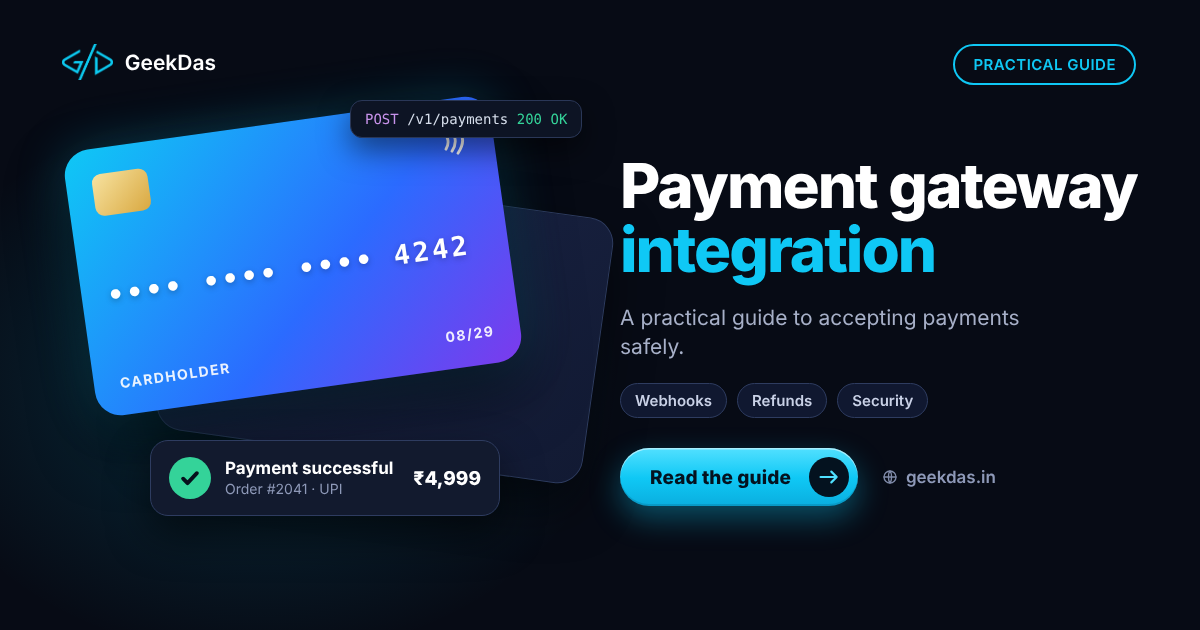
Taking payments looks simple from the customer's side: tap, pay, done. Behind it, the order system and the payment provider must agree on what happened, even when networks fail, customers close the tab or banks decline. Most payment bugs are not bugs in the gateway. They are gaps in how the website handles the messages that come back.
This guide explains how payment gateway integration works, the main integration styles, how to choose a gateway, what to get right (webhooks, security, refunds, testing) and the differences between India and international setups. It is intended for owners and product managers; developers will find it a useful checklist.
What a payment gateway does
A payment gateway securely collects payment details, passes them to banks or card networks, and reports whether the payment succeeded. A business using one does not need to store card numbers, which reduces security and compliance burden considerably.
Often you also deal with a payment processor or acquiring bank behind the gateway, and many providers (Stripe, Razorpay and similar) bundle these together.
How a payment works, step by step
The customer reviews their cart and chooses a payment method.
Your server creates an order or payment intent with the provider, specifying the amount and currency.
The customer pays, either on a provider-hosted page or in a payment form from the provider embedded on your page.
The provider authenticates the payment (for example with a bank OTP or 3-D Secure) and processes it.
The provider tells your server the result through a webhook (a server-to-server message) and also redirects the customer back.
Your server verifies the message, marks the order as paid and triggers fulfilment and emails.
The critical point is step 6. Never mark an order as paid based only on the browser being redirected back to a success page. The redirect can be forged, skipped or lost. The verified webhook, or a server-side status check, is the source of truth.
Integration styles
Style | How it works | Pros | Cons |
|---|---|---|---|
Hosted checkout page | Customer is redirected to the provider's page | Fastest, lowest compliance burden, provider keeps it updated | Less design control |
Embedded or drop-in form | Provider's form shown inside your page | Better look and flow, still low burden | More integration work |
Fully custom with provider APIs | Your own form, calls to the provider's API | Maximum control | Highest security and compliance responsibility |
Plugin for a platform (WooCommerce, etc.) | Ready-made integration | Quick for standard stores | Limited customisation |
For most businesses, a hosted or embedded form is the right balance. Handling raw card data yourself brings heavy compliance requirements and is rarely worth it.
Choosing a gateway
Question | Why it matters |
|---|---|
Which countries and currencies do you sell to? | Providers differ in coverage and local methods |
Which payment methods do customers use? | UPI, cards, net banking and wallets in India; cards and local methods elsewhere |
Do you need subscriptions or invoices? | Recurring billing features vary |
What are the fees? | Compare per-transaction fees, currency conversion and refunds |
Settlement time and payouts | Cash flow depends on it |
Dispute and refund handling | You will need both eventually |
Developer experience and documentation | Quality of docs affects integration cost and reliability |
Support and reliability | Check status history and support options |
Do not choose purely on the headline fee. Settlement speed, failure rates, dispute handling and supported methods affect your revenue more than a fraction of a percent.
India and international considerations
Selling in India
Customers expect UPI, cards, net banking and wallets, and many want Cash on Delivery for physical goods.
Business verification (KYC) and activation by the gateway can take time; start early.
GST invoices are required for registered businesses. See the guide to GST invoice fields and HSN codes.
Rules around UPI charges for merchants have been changing; read the explainer on UPI MDR changes and confirm current terms with your provider.
Cash on Delivery needs its own handling: order confirmation, fraud checks and returns to origin.
Selling internationally
Cards and digital wallets dominate, with local methods in some regions.
Strong customer authentication rules (such as 3-D Secure in Europe) apply.
Taxes (VAT, sales tax) depend on the buyer's location.
Currency display and conversion should be clear to the customer.
Check current availability, fees and regulations with the provider and an accountant, as they change.
What to get right
Webhooks
Verify signatures. Providers sign their webhooks; reject anything that does not verify.
Be idempotent. Providers retry, so the same event can arrive several times. Processing it twice must not ship two orders or send two emails.
Respond quickly. Acknowledge the webhook fast and do heavy work in a background job.
Handle out-of-order events. A "refunded" message can arrive before "paid" in rare cases.
Log events (without sensitive data) to investigate disputes.
Order states
Design explicit states such as pending, paid, failed, refunded and cancelled. Pending orders that never complete need clean-up rules.
Refunds and disputes
Build refund handling into the admin panel from the start, tied to the provider's refund API, and record the reason.
Security
Never log or store card numbers or secret keys in your code repository.
Keep API keys in environment variables and rotate them if exposed.
Use HTTPS everywhere and validate amounts on the server; never trust a price sent from the browser.
Limit who in your team can issue refunds.
Subscriptions
Recurring billing adds plans, trials, proration, failed-payment retries and cancellation. If you are building a subscription product, see the SaaS roadmap's billing step and choosing a SaaS development partner.
Testing before launch
Providers offer a sandbox or test mode. Test at least:
Successful payment, and the order moving to paid
Declined card and insufficient funds
Customer abandoning the payment page
Authentication failure
Duplicate webhook delivery
Webhook arriving before the redirect, and the redirect arriving first
Partial and full refunds
Network timeout during order creation
A very small and a very large amount
Then do a real low-value transaction in live mode before announcing launch.
Common mistakes
Trusting the redirect instead of the verified webhook.
Not handling retries, causing duplicate orders.
Hard-coding prices on the client.
Skipping failure testing.
Missing refund workflow, forcing manual work in the provider dashboard.
Poor error messages that leave customers unsure whether they were charged.
No reconciliation: compare your orders with provider reports regularly.
Cost and timeline
Integration effort depends on the number of gateways and methods, subscription needs, refund and admin requirements, and the platform. A straightforward integration commonly takes 1 to 3 weeks including testing; subscriptions, multiple gateways or complex rules extend it. Provider fees are separate and set by the provider, so check current pricing.
How to choose a developer for payment integration
Ask how they handle webhooks, idempotency and refunds, how they test failures, and where secrets are stored. Prefer someone who has integrated payments into real products. GeekDas offers payment gateway integration as a focused service, built on experience with online payments and Cash on Delivery in stores and subscription billing in SaaS products.
Conclusion
A reliable payment integration depends less on the gateway than on how your system handles the messages it sends: verified webhooks, idempotent processing, clear order states and a tested refund process. Choose a gateway that fits your customers, use hosted or embedded forms, and test failures as carefully as successes.
If you need payments added to a store or product, tell me about your setup and I will suggest an approach and timeline.
Was this article helpful?

Comments
Leave a comment
Loading comments...