

Cross-Platform Mobile App Development: A Guide for Founders
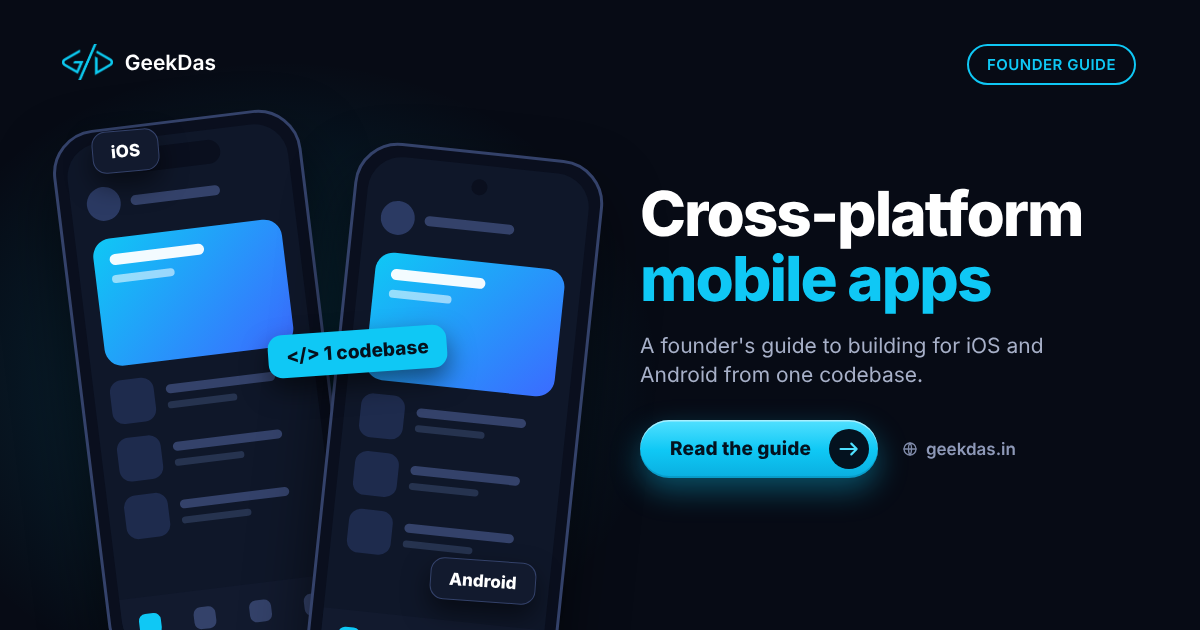
Most businesses do not need two separate native apps. A single cross-platform codebase can put your product on both iOS and Android at the same time, at lower cost and with faster updates, and users will experience it as a normal app. The harder questions come before the code: should you build an app at all, which approach fits, and what does a realistic plan look like?
This guide is for founders and business owners planning a first mobile product. It explains the approaches, when each makes sense, the build and launch process, cost drivers and the mistakes that most often cause delays.
Do you need a mobile app?
Start with a blunt question. A well-built responsive website or progressive web app can serve many needs, and it avoids store approval, review delays and two sets of releases. An app earns its place when you need:
Push notifications as a core part of engagement
Camera, location, Bluetooth or other device features
Offline use
A presence in the app stores for discovery or credibility
Repeated, frequent use where a home-screen icon matters
If none of these apply, test the idea on the web first. The approach is described in MVP development for startups.
Native vs cross-platform vs web app
Fully native (Swift and Kotlin) | Cross-platform (React Native, Flutter) | Progressive web app | |
|---|---|---|---|
Codebases | Two | One (mostly) | One |
Time and cost | Highest | Lower | Lowest |
Performance | Best | Very good for most apps | Good for simple tasks |
Access to device features | Full and immediate | Broad, with some native modules needed | Limited, varies by platform |
App store presence | Yes | Yes | Limited |
Look and feel | Fully platform-specific | Close to native | Web-like |
Best for | Graphics-heavy or deeply platform-specific apps | Most business and consumer apps | Simple tools and content |
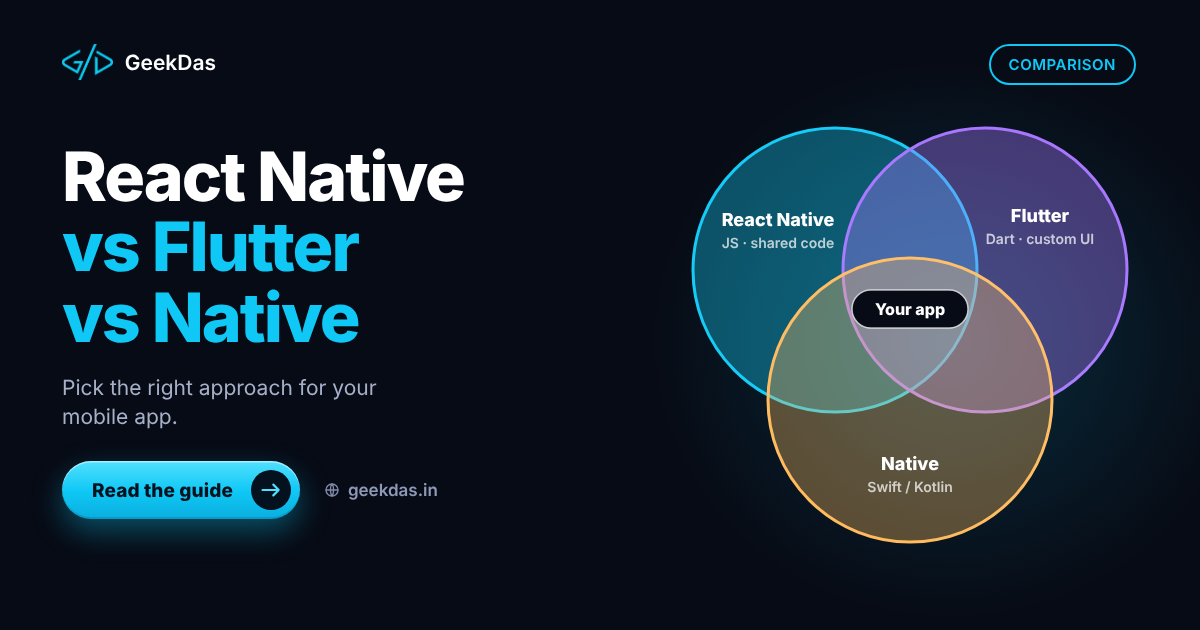
For most products, cross-platform is the best balance. Fully native is worth the extra cost only for apps that depend heavily on platform-specific features or need maximum graphics performance. Choosing between the leading frameworks is covered in React Native vs Flutter vs native.
What cross-platform development includes
A mobile app is rarely only the app. A complete build typically covers:
The mobile app itself for iOS and Android from one React Native codebase
A backend, database and API built to match the app
User accounts, login and secure data storage
Push notifications and in-app messaging
Payments, subscriptions or in-app purchases where needed
Device features such as camera, location and deep links
Store listings, builds and publishing for the Apple App Store and Google Play
An admin tool for managing users and content
GeekDas offers this as cross-platform mobile app development, with the backend and the store launch handled by the same developer.
The development process
Discovery and scope. Target users, core flows, devices and what the first version includes.
Design. Screens and navigation first; mobile layouts are unforgiving of clutter.
Backend and API. Data model, authentication and endpoints, usually built alongside the app.
App build in short cycles. Test builds are delivered to your phone every week or two.
Testing. Real devices, different screen sizes, slow networks and interrupted connections.
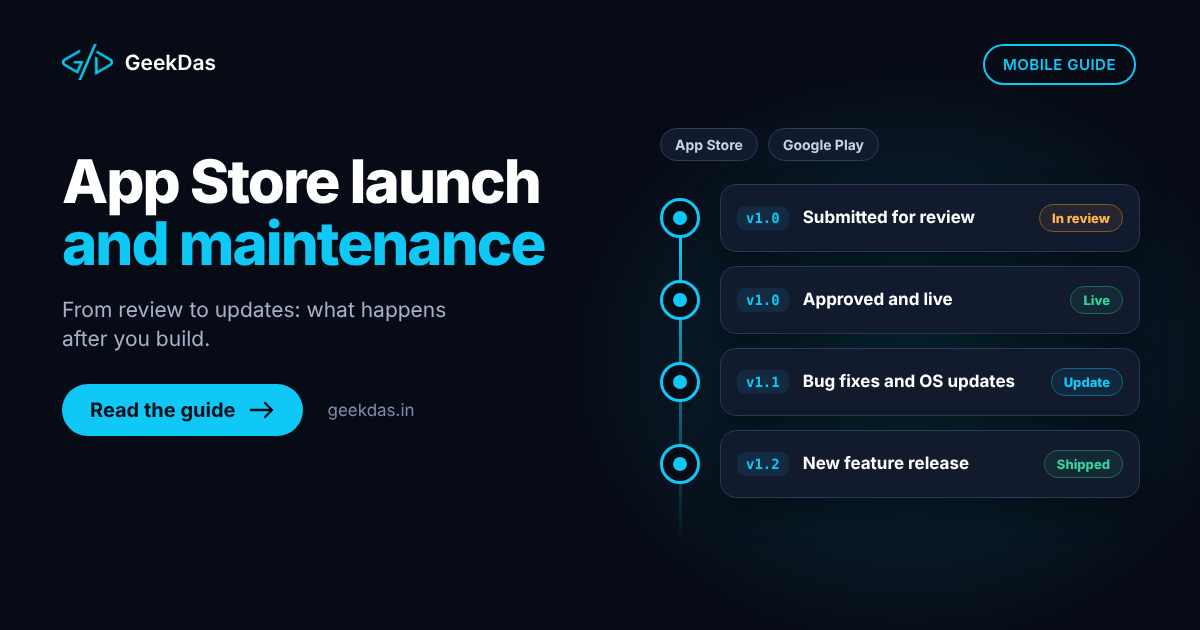
Store preparation. Accounts, listings, screenshots, privacy information and compliance forms. See App Store launch and maintenance.
Launch and monitoring. Crash reporting, analytics and a plan for early feedback.
Updates. Ship improvements regularly.
Timeline reference: a focused first version, including the backend and store submission, commonly takes 8 to 16 weeks, and a leaner MVP about 6 to 10 weeks. Your timeline depends on screens, integrations and features such as payments and real-time updates.
Build a mobile MVP first
A first app should test one idea. Common over-reach includes social features, multiple user types, admin analytics and multi-language support all at once. Cutting to the core flow reduces cost and speeds up learning. The mobile app MVP development page explains how this is scoped.
Cost drivers
Driver | Why it matters |
|---|---|
Number and complexity of screens | Each screen needs design, build and testing |
Backend scope | User accounts, data, admin and integrations are a large share of the work |
Platform features | Camera, maps, Bluetooth, background tasks |
Payments and subscriptions | Store rules and testing add effort |
Real-time features | Chat, live updates and notifications |
Offline support | Synchronisation logic is complex |
Design effort | Custom animation and branding |
Ongoing costs | Store accounts, hosting, third-party services, updates |
Reliable pricing needs a scoped brief. Ask for a fixed estimate against a written feature list.
Technology overview
React Native with TypeScript for the app, sharing a language with web and backend work
Node.js for the API, or Laravel where it fits
PostgreSQL or Firebase for data, depending on needs
Push services from the platform vendors
Crash and analytics tools for monitoring
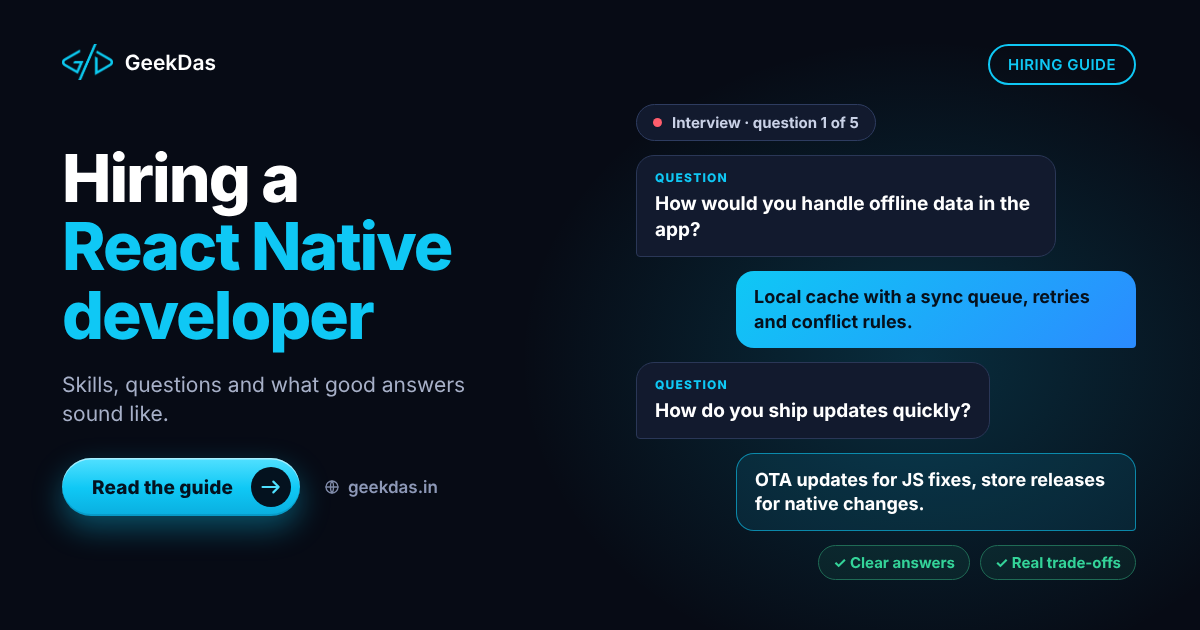
JavaScript and TypeScript across app and backend makes it easier for one developer or a small team to own the whole product. If you plan to hire, see hiring a React Native developer.
Common mistakes
Building two native apps by default. It doubles cost for little gain in most cases.
Ignoring the backend. The app is only half the system.
Underestimating store review. Plan time for rejections and fixes.
Skipping real-device tests. Simulators hide performance and layout problems.
Too many features in version one.
No maintenance plan. Operating system updates and new devices require regular releases.
Not owning accounts. The Apple and Google developer accounts should be registered in your name.
Choosing a mobile app developer
Look for someone who:
Can show published apps or other verifiable mobile work, and is open about how much of it is directly comparable to your project
Explains why they recommend a given approach for your case, including when native is better
Builds the backend as well, or coordinates it clearly
Commits to code and account ownership
Plans for launch and maintenance, not just the build
For a longer view on provider types, choosing a SaaS development partner applies equally to app products.
Global and India-specific considerations
If you serve users in India, consider UPI and local payment options, lower-end Android devices and variable network quality when testing. For international launches, plan for localisation, store regional requirements and privacy regulations that apply to your users. Time zones matter for ongoing support, so agree communication windows in advance. GeekDas works from Jaipur, Rajasthan (IST) with clients in different time zones.
Why GeekDas
GeekDas builds iOS and Android apps with React Native, together with the backend and the store launch, as a one-developer practice. You work with a single person from first sketch to published app. This suits focused products and MVPs. If your project needs a large parallel team or specialised native work such as advanced graphics, expect an honest recommendation about whether it is the right fit.
Conclusion
For most founders, a single cross-platform codebase is the practical route to iOS and Android. Confirm that an app is justified, scope a lean first version, design the backend alongside it and plan the store launch and maintenance from the beginning.
If you have an app idea and want a realistic scope and timeline, send me a brief.
Was this article helpful?
Comments
Leave a comment
Loading comments...