

App Store Launch and App Maintenance: Submission Guide for Founders
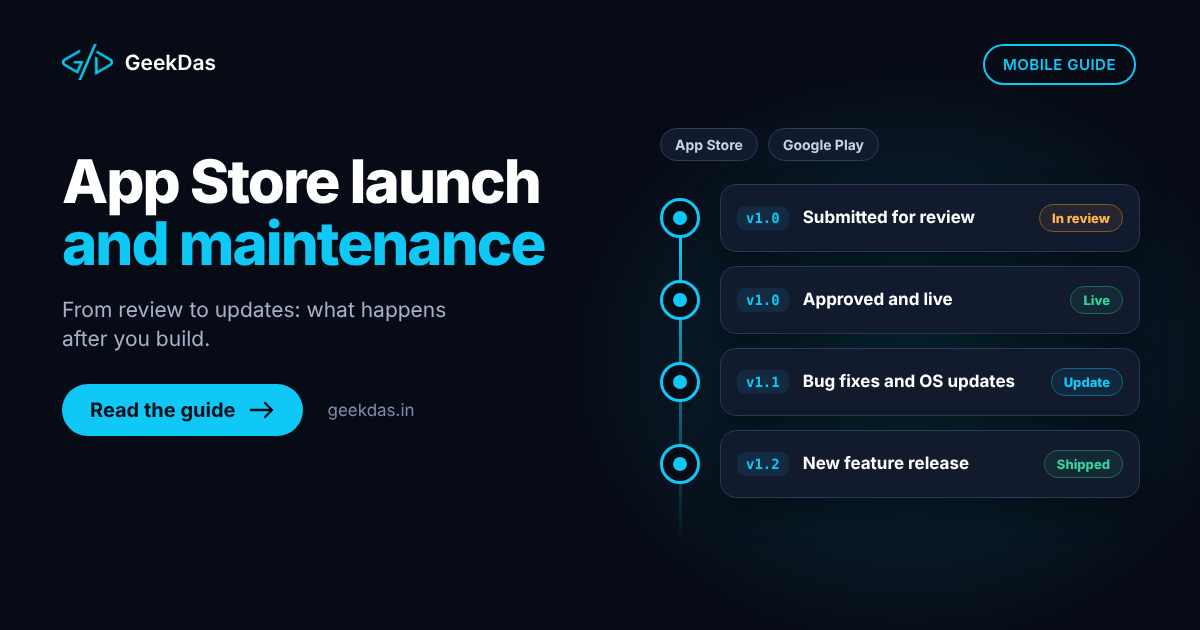
Many apps are finished, tested and delighted-over in the office, then lose weeks at the last hurdle: a store rejection for a missing privacy detail, a review account that does not work, or a listing that breaks a guideline. After launch the next surprise arrives: a new phone operating system version breaks a feature, and the app that "was done" needs work again.
This guide covers the practical side of getting an app approved on the Apple App Store and Google Play and keeping it healthy afterwards. It explains the accounts and assets you need, the submission process, the most common rejection reasons, how to launch in stages, and what app maintenance involves and costs. Store rules change often, so use this as a planning framework and check the current Apple and Google documentation before you submit.
Before you submit: accounts and ownership
Developer accounts
Apple Developer Program: required to publish on the App Store. It is an annual paid membership.
Google Play Console: requires a one-time registration fee.
Register both in your name or your company's name, not the developer's. The account holder owns the app listing, and moving an app between accounts later is cumbersome. Give your developer access with the appropriate role instead.
Organisation or individual
Choose carefully. Organisation accounts typically require business verification such as a registered entity and an identifier from the store, which takes time, so start early. Check each store's current requirements for new accounts, since policies for new developer accounts have changed over time.
What you need to prepare
Item | Notes |
|---|---|
App name, subtitle and description | Accurate, not misleading; avoid keyword stuffing |
Screenshots | Required sizes for each device class; show real app screens |
App icon | High resolution, no transparency rules broken |
Privacy policy URL | Required; must match what the app actually does |
Data collection disclosures | Apple's App Privacy details and Google Play's Data safety form |
Support URL and contact | A working address |
Age rating and content questionnaire | Answer honestly |
Test account | Working credentials for reviewers if login is needed |
Release notes | Describe what is in this version |
In-app purchase and subscription details | Set up and reviewable if used |
Category and keywords | Chosen to match the app |
Prepare these before the final build so that submission is not delayed by paperwork.
The submission process
Prepare the release build with production settings, correct bundle identifier and version number, and no debug tools or test endpoints.
Test with beta channels. Use TestFlight for iOS and Google Play's internal or closed testing tracks. Real devices and real networks matter. Check the build meets current minimum SDK or target API requirements, which both stores update periodically.
Complete the store listing and all privacy and content forms.
Provide review information: demo account, notes explaining any non-obvious features and hardware or location requirements.
Submit for review.
Respond to reviewer questions quickly if any arise.
Release, either immediately or on a date you control.
Review time varies by store and by season, and by whether it is a first submission, so allow generous time rather than relying on a fixed number of days. On GeekDas service pages, launch preparation commonly takes 1 to 3 weeks, which includes buffer for any back-and-forth.
Common rejection reasons and how to avoid them
Reason | What to do |
|---|---|
App crashes or has obvious bugs | Test on real devices and several OS versions |
Incomplete or broken demo account | Provide working credentials and test them on the release build |
Missing or inaccurate privacy policy and data disclosures | Describe actual data collection, including third-party SDKs |
Misleading metadata | Screenshots and description must reflect real functionality |
Minimal functionality | The app must offer real value, not just wrap a website |
Payment rules violations | Digital goods and subscriptions generally must use the store's in-app purchase system; check current rules for exceptions |
Permissions requested without clear purpose | Request only what is needed, and explain why |
Account deletion not offered | If the app lets users create accounts, provide in-app account deletion as the stores require |
Third-party sign-in rules | Follow current guidelines about offering equivalent sign-in options |
Inappropriate or user-generated content without moderation | Provide reporting, blocking and moderation tools |
Use of private APIs or unsupported behaviour | Use only documented APIs |
Intellectual property issues | Do not use trademarks or content you lack rights to |
Read the current App Store Review Guidelines and Google Play Developer Program Policies before submission, because specific requirements change.
Handling a rejection
Read the message carefully. It cites the guideline concerned.
Fix the issue or explain it. If you believe the reviewer was mistaken, reply politely with evidence, such as a screen recording or clarification.
Resubmit promptly.
Keep a record of the issue to avoid repeating it in later releases.
GeekDas handles reviewer feedback as part of the launch service, so clients do not need to learn the process; see App Store launch and maintenance.
Launching in stages
A staged launch lowers risk.
Internal testing, then a closed beta with real users.
Phased or staged rollout: both stores support releasing to a percentage of users first. Watch crash rates and feedback before expanding.
Soft launch in one region, if relevant.
Monitoring from day one: crash reporting, performance data and basic analytics.
A rollback plan: know how to halt a rollout and ship a fix quickly.
What app maintenance involves
An app is not finished at launch. Maintenance typically includes:
Platform updates
Apple and Google release major OS versions yearly and require apps to target recent SDK and API levels. New OS versions can change behaviour, deprecate APIs or alter permissions. Plan to test and update after each major release.
Dependency and security updates
Libraries, frameworks and SDKs receive security fixes and breaking changes. Neglected dependencies become vulnerabilities and eventually block builds.
Bug fixes
Real devices expose issues that testing missed. A process to receive, triage and fix reports is essential.
Backend and infrastructure
APIs, databases, hosting, certificates and third-party services need monitoring, backups and renewal.
Store compliance
Policies change. Privacy forms, permissions, payment rules and content requirements need re-checking at each update.
Improvements
New features, design tweaks and conversion improvements based on data.
Monitoring
Crash rate, performance, uptime and review ratings should be watched regularly, with alerts for serious issues.
Maintenance models and costs
Costs depend on the app's complexity, number of integrations and how actively it changes. Common arrangements:
Model | Description | Suits |
|---|---|---|
Retainer | A monthly allocation of hours for fixes and updates | Apps in active use |
Pay as you go | Work billed as needed | Stable apps with rare changes |
Maintenance plus roadmap | A retainer covering upkeep and new features | Growing products |
Ongoing costs beyond developer time include the Apple membership, Google registration, hosting, third-party services and monitoring tools. Ask what a maintenance plan includes: response times, OS update support and security patching.
Common mistakes
Registering accounts in the developer's name.
Leaving privacy disclosures to the end.
Submitting without a working demo account.
Releasing to everyone at once.
No crash reporting.
Ignoring OS update season, then discovering breakage from user reviews.
Neglecting dependencies until a build fails.
Treating rejection as a disaster instead of a normal, fixable step.
No budget for maintenance.
Related reading
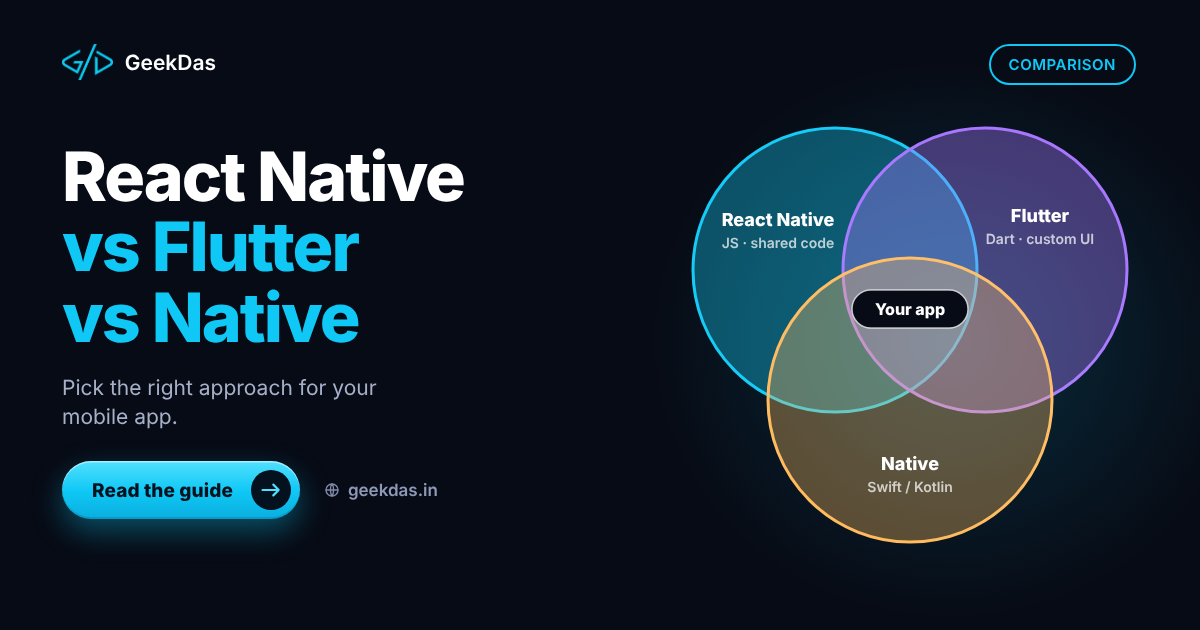
For the planning stage before launch, see the cross-platform mobile app development guide, the comparison of React Native vs Flutter vs native and the guide to hiring a React Native developer.
Why GeekDas
GeekDas is a one-developer practice in Jaipur, Rajasthan, building cross-platform apps with React Native together with the backend, and handling store launch and post-release updates. You get one point of contact for the build, the submission and the maintenance. As the mobile service page does not list public app case studies, I suggest agreeing a scoped first milestone or a paid pilot to judge fit.
Conclusion
Store approval and long-term upkeep are part of building an app, not afterthoughts. Own your accounts, prepare privacy and review materials early, launch in stages with monitoring, and budget for maintenance from the start. A rejection is a normal step, and a planned maintenance routine keeps an app alive.
If you are preparing to launch or need help keeping an existing app current, send me the details and I will outline the steps and timeline.
Was this article helpful?
Comments
Leave a comment
Loading comments...