

WhatsApp AI Chatbot: Setup, Rules and Use Cases for Businesses
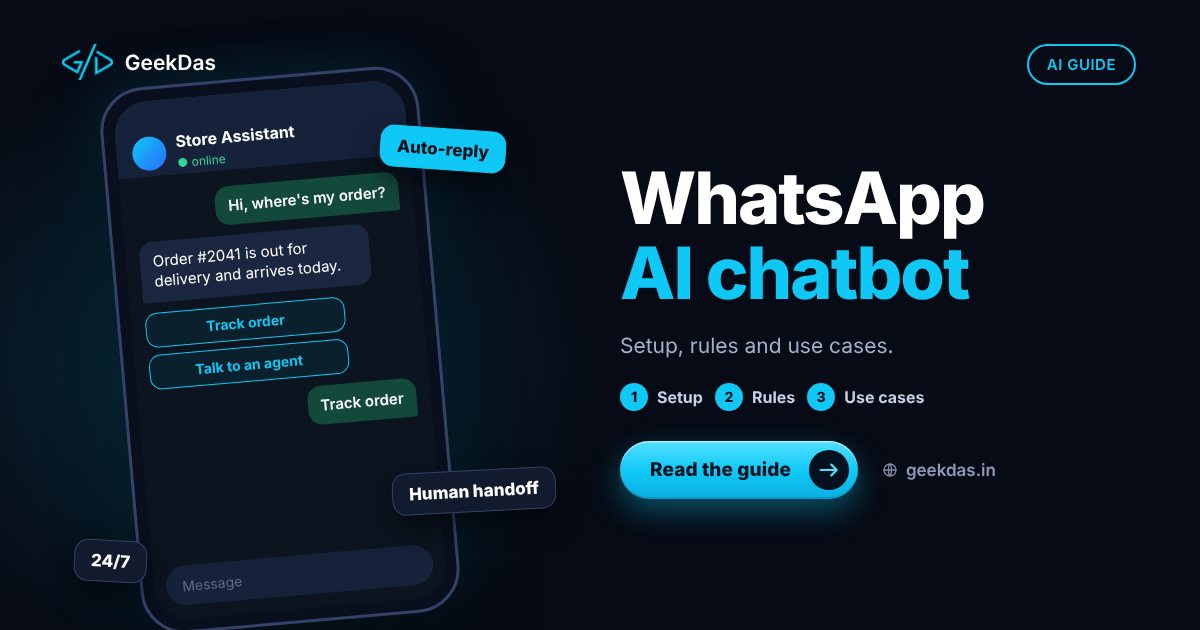
In many markets, customers would rather message a business on WhatsApp than call, email or fill in a form. A chatbot can answer common questions instantly, qualify leads and handle routine requests at any hour. But WhatsApp is not an ordinary chat widget. It has its own rules about who you may message, when, and with what, and a bot that ignores them gets blocked or restricted.
This guide explains how a WhatsApp AI chatbot works, what the official Business Platform requires, what the bot can and cannot do well, common use cases, how to design the conversation and human handover, and how to build and operate one responsibly. It is for businesses and product teams planning a WhatsApp experience.
What is a WhatsApp AI chatbot?
A WhatsApp AI chatbot is software connected to a WhatsApp Business number that reads incoming messages, decides what to do and replies, often using a language model to understand free-form questions and write natural answers. It can also trigger actions: look up an order, book a slot, create a support ticket or pass the chat to a person.
Not all WhatsApp bots use AI. Rule-based flows (menus and buttons) are predictable and cheap; AI-driven chatbots handle open questions but need guardrails. Many good systems combine both.
WhatsApp Business app vs Business Platform (API)
WhatsApp Business app | WhatsApp Business Platform (API) | |
|---|---|---|
Who it is for | Small businesses managing chats by hand | Businesses automating at scale |
Automation | Basic away and greeting messages, quick replies | Full programmatic control, chatbots and integrations |
Multiple agents | Limited | Supported through connected software |
Broadcast and campaigns | Limited | Through approved message templates |
Integrations (CRM, ecommerce, AI) | No | Yes |
To build an AI chatbot you need the Business Platform, accessed directly through Meta's Cloud API or through an approved provider.
The rules that shape every WhatsApp chatbot
WhatsApp's policies and pricing change, so check Meta's current documentation before building. The principles below have been stable.
Opt-in
Businesses should only message people who have agreed to hear from them on WhatsApp, and it should be clear what they signed up for.
The customer service window
When a customer messages you, a time-limited window opens (24 hours from their last message) during which you can reply with free-form messages. After it closes, you can only start a conversation with a pre-approved message template.
Message templates
Templates are structured messages reviewed and approved by WhatsApp, used for notifications, reminders and re-engagement. They fall into categories such as utility, authentication and marketing, and the category affects how they are charged and regulated.
Pricing
WhatsApp moved to per-message pricing for template messages in 2025, with rates varying by message category and the recipient's country, and with certain conversations in the customer service window free of charge. Rates and rules change, so rely on Meta's current pricing documentation and your provider's terms rather than third-party summaries.
Quality and content policies
Meta's terms for the Business Platform have also been tightened around AI. A bot should serve a defined business purpose, such as support, sales or bookings for your own customers, rather than act as a general-purpose assistant. Read the current terms before designing the bot's scope.
Poor user feedback, blocks or reports can reduce your messaging limits or restrict the number. Prohibited content and commerce policies apply.
How the system fits together
A customer sends a message to your WhatsApp number.
Meta delivers it to your server via a webhook.
Your server verifies the request, identifies the customer and loads context (order history, previous messages).
A decision layer chooses what to do: a fixed flow, a lookup, a retrieval-based answer or a human handover.
If AI is used, the model is given the relevant context and instructions, and a response is generated.
Your server sends the reply through the WhatsApp API.
Everything is logged, and conversation state is saved.
The same engineering concerns that apply to payments apply here: verify webhooks, handle duplicate deliveries and respond quickly. The patterns are explained in the payment gateway integration guide.
Giving the bot accurate answers
A bot that guesses about your prices or policies will do harm. To keep answers reliable:
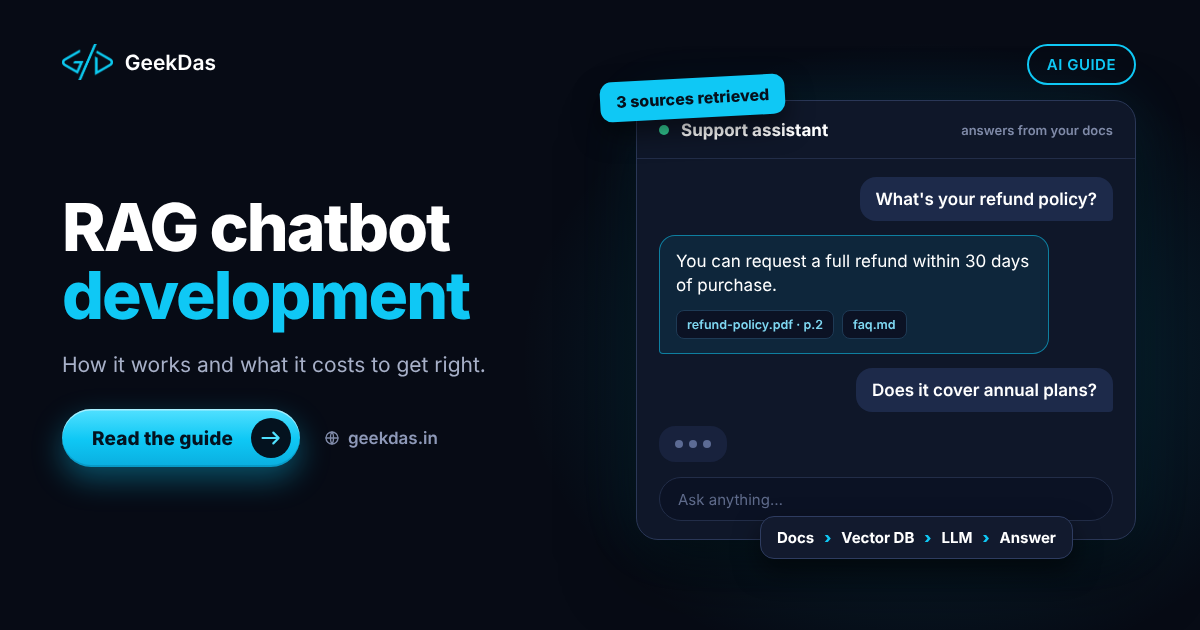
Ground answers in your content using retrieval-augmented generation, covered in the RAG chatbot guide.
Use live data for orders, bookings and availability by calling your own systems.
Instruct the bot to say it does not know when retrieval is weak, and offer a human.
Limit what it may promise, especially refunds, discounts and legal statements.
Test regularly with a set of real questions.
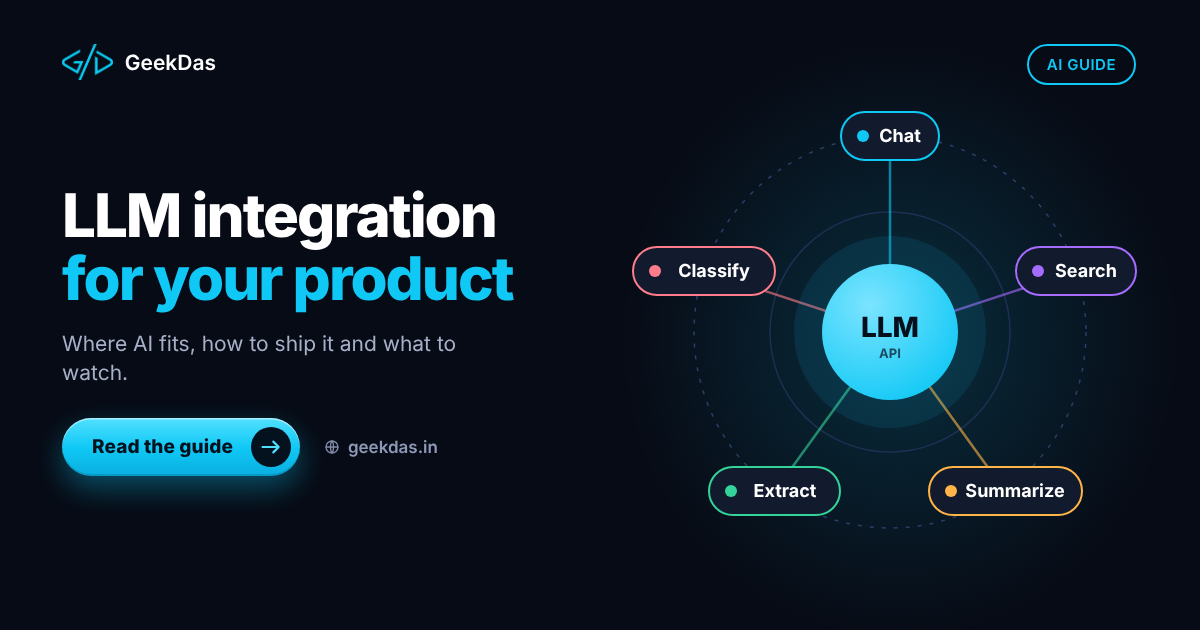
For adding AI features to existing products more broadly, see LLM integration for your product.
Use cases
Use case | What the bot does | Notes |
|---|---|---|
Customer support | Answers FAQs, order status and policy questions | Strong fit with retrieval over help content |
Lead qualification | Asks a few questions and routes to sales | Keep it short; offer a human |
Appointment booking | Checks availability and confirms slots | Needs a calendar or booking API |
Order updates | Sends confirmation, shipping and delivery messages | Uses utility templates |
Abandoned cart or reminders | Re-engages customers | Requires opt-in and approved templates |
Internal helpdesk | Employees ask IT or HR questions | Requires access control |
Surveys and feedback | Collects ratings after service | Keep short |
Designing the conversation
Greet and set expectations. Say it is an automated assistant and what it can do.
Offer quick-reply buttons and lists for common choices, which reduce typing and errors.
Keep messages short, suited to a phone screen.
Confirm before acting, such as booking or cancelling.
Handle unknown input gracefully with a clarifying question or menu.
Provide an easy route to a human at any time, with context passed along so the customer does not repeat themselves.
Respect hours. Say when human agents are available.
Support the languages your customers use.
Human handover
Handover is not an admission of failure; it is part of a good design. Triggers include customer request, repeated misunderstanding, sensitive topics, angry sentiment or high-value orders. A team inbox should show the conversation history, the customer's details and what the bot has already tried. GeekDas has worked on WhatsApp automation and marketing platforms with team inboxes and visual flow builders, so this operational side is part of the build rather than an afterthought.
Privacy and security
Collect only the data you need and explain how it is used.
Do not ask customers to send passwords, card numbers or other highly sensitive data in chat.
Restrict what the bot can reveal; verify identity before sharing account-specific information.
Check how your language-model provider handles data, and send only what is necessary.
Keep API tokens in secure storage and rotate them if exposed.
Comply with the privacy laws that apply to your customers.
Cost and timeline
Costs fall into:
Build: conversation design, integrations, AI and retrieval setup, handover inbox, testing.
Platform: WhatsApp message charges per Meta's pricing and any provider fees.
AI usage: model costs that scale with traffic and prompt size.
Operation: monitoring, updating content and templates.
On GeekDas service pages, a WhatsApp AI chatbot commonly takes 2 to 6 weeks, depending on integrations and conversation complexity. Treat that as a planning reference.
Common mistakes
Messaging people without opt-in.
Ignoring the 24-hour window, then failing to deliver messages.
No handover path.
Letting the model improvise on policies and prices.
Skipping template approval lead time before a campaign.
No testing with real, messy customer messages.
Treating launch as the finish line instead of reviewing conversations and improving.
Choosing a developer
Ask whether they have worked with the WhatsApp Business Platform and its template and window rules, how they handle handover, how they ground answers in your data, and how they will test. Request references to messaging products they have built. See the WhatsApp AI chatbot service for what GeekDas covers.
Why GeekDas
GeekDas is a one-developer practice in Jaipur, Rajasthan, with experience building WhatsApp automation and marketing SaaS products, including real-time messaging, flow builders, team inboxes and AI features. That combination of messaging platform, AI and product engineering is the main strength. It is suited to focused deployments; very high-volume contact-centre programmes may require a larger team.
Conclusion
A good WhatsApp AI chatbot respects the platform's rules, answers from accurate data, hands over gracefully and is improved from real conversations. Start with a narrow, valuable use case such as support or booking, measure results and expand as trust grows.
If you are considering a WhatsApp chatbot, tell me what customers ask most and I will propose a focused first version.
Was this article helpful?
Comments
Leave a comment
Loading comments...