

LLM Integration for Your Product: A Practical Guide for Teams
Adding AI to a product is easy to demo and hard to make dependable. A prototype that summarises a document looks impressive in a meeting. The real work starts when it must be accurate enough, quick enough, cheap enough and safe enough for real users, and when the model provider is slow, wrong or briefly unavailable.
This guide is about that second stage. It covers which tasks language models are good at, how to design an LLM feature that fits into an existing product, how to control output, cost and latency, how to evaluate quality, and the mistakes that cause projects to stall. It is written for product owners and technical leads.
What LLM integration means
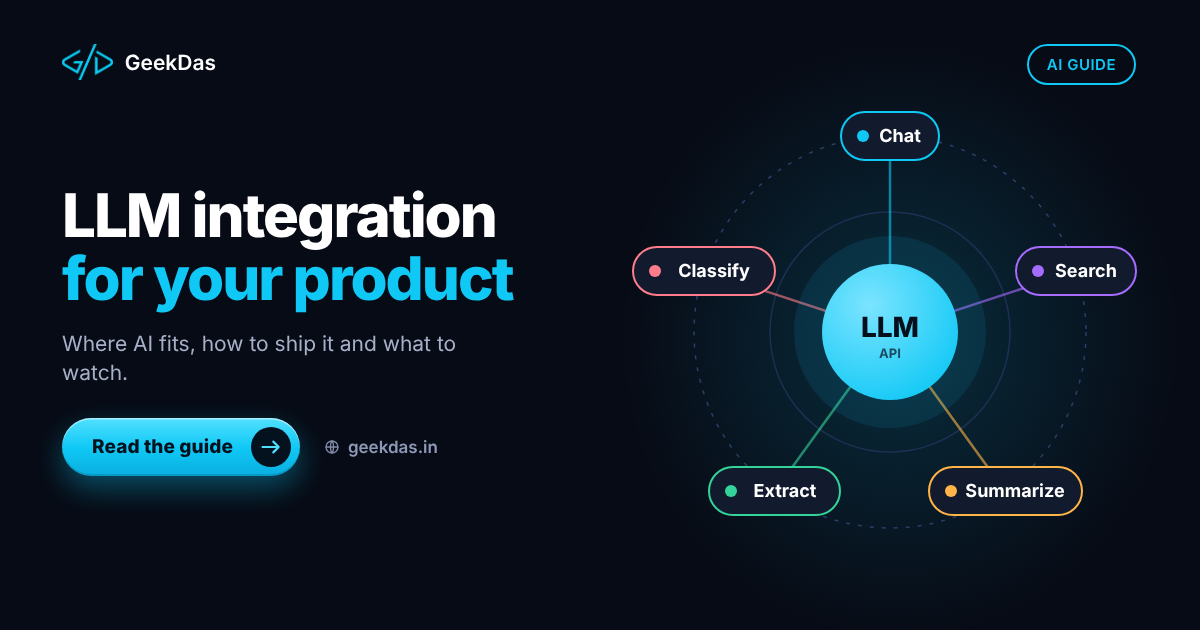
LLM integration means connecting a large language model, through a provider's API or a self-hosted model, to your product so that it performs a defined task for your users. The model is one component. Around it you need data access, prompts, validation, logging, error handling and a user interface.
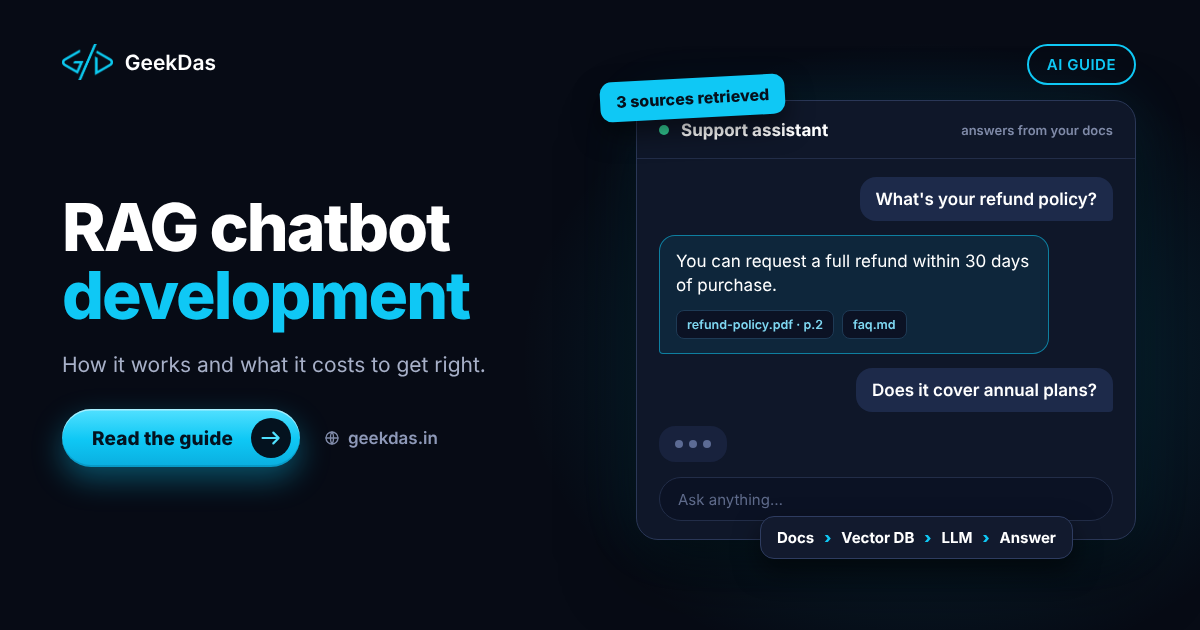
If your goal is a chatbot answering from your documents, see the RAG chatbot guide. This article covers the wider category of AI features inside products.
Tasks language models do well
Task | Examples | Typical fit |
|---|---|---|
Summarisation | Meeting notes, long documents, support threads | Strong |
Classification and tagging | Ticket routing, sentiment, intent | Strong |
Extraction | Pull fields from emails, invoices, forms into structured data | Strong with validation |
Drafting and rewriting | Replies, descriptions, tone changes | Good with human review |
Translation and localisation | Content in several languages | Good, review for critical text |
Search and Q&A over your content | Help centre, knowledge base | Strong with retrieval |
Conversational assistants | In-app help, guided workflows | Good with guardrails |
Calculation and precise logic | Pricing, tax, anything needing exactness | Weak; use code |
A useful rule: let the model handle language and ambiguity, and let ordinary code handle arithmetic, permissions, and anything that must be exactly right.
Choosing the right feature to build first
Good first features share these traits:
The task is repetitive and text-heavy.
A wrong output is inconvenient, not harmful.
A human can easily review or correct the result.
Success can be measured, such as time saved or accuracy against known examples.
The value is clear to users.
Poor first features involve legal, medical or financial decisions made without review, or tasks that need perfect accuracy.
Architecture of a dependable LLM feature
1. Keep the model call behind your own service
Do not call the provider directly from the browser. A server-side layer keeps API keys secret, lets you add logging, rate limiting and caching, and makes it easy to switch providers or models.
2. Build the prompt from structured pieces
A prompt is assembled from fixed instructions, the user's input and any retrieved or fetched context. Keep instructions in version-controlled templates, not scattered strings.
3. Constrain the output
When the result feeds other code, require structured output, for example JSON matching a schema, and validate it. If validation fails, retry once with a correction message or fall back. Never pass unvalidated model text into database queries or commands.
4. Provide context carefully
Include only the data the model needs. Smaller, relevant context reduces cost, latency and the chance of confusion. For large knowledge bases use retrieval rather than pasting everything.
5. Add guardrails
Instructions about what to refuse, input checks for abuse and prompt injection, and output checks for sensitive information or policy violations. Treat any text from users or external documents as untrusted, because it can contain instructions aimed at the model.
6. Plan fallbacks
Decide what happens when the provider is slow, returns an error, hits a rate limit or gives an invalid answer: retry, switch to a cheaper model, show a default message or let the user continue without the AI feature.
7. Keep a human in the loop where it matters
For drafts and sensitive actions, show the output to the user for approval before it is sent or saved.
8. Log and measure
Record the input type, output, latency, cost and user feedback, with care for privacy. These logs are how you find failures and improve.
Cost and latency control
Costs scale with the number of tokens processed, and latency grows with output length and model size.
Choose the smallest model that meets quality. Test several; do not default to the largest.
Shorten prompts and context.
Cache repeated requests and common answers.
Limit output length.
Stream responses in the interface so users see progress.
Use background jobs for non-interactive tasks such as batch tagging.
Set usage limits per user or plan to prevent runaway cost.
Monitor spend with alerts.
Provider pricing and models change often. Check current rates and model options when you budget, and design the code so a model can be swapped by configuration.
Privacy and compliance
Decide which data may leave your systems and which must not.
Review the provider's data retention and training terms, and choose settings that match your requirements.
Remove or mask personal data where possible before sending.
Respect user consent and the privacy laws that apply to your users.
Keep access controls on any data the model can retrieve, so one customer's information is never shown to another.
Do not store sensitive prompts in logs longer than needed.
Evaluating quality
You cannot manage what you do not measure.
Collect real examples of inputs with the outputs you consider correct.
Create a test set of at least a few dozen cases, including difficult ones.
Score outputs by exact match for structured tasks, human review for text, or a carefully checked model-based grader for scale.
Re-run the set whenever you change the prompt, model or retrieval.
Monitor in production with user ratings and sampled reviews.
Without a test set, every change is a guess.
Where it fits in an existing product
LLM features usually plug into places users already work: a text box that suggests improvements, a button that summarises a thread, a form that pre-fills from an uploaded document, a search bar that understands questions. Start where the product already collects text or documents. For the surrounding application engineering, see custom web application development and, for SaaS products, the SaaS roadmap's section on AI features.
Build, buy or use a platform
Option | Best for | Trade-offs |
|---|---|---|
Use a provider API directly, with your own code | Features tailored to your product | You build the surrounding engineering |
Use an orchestration framework | Complex multi-step workflows | Added abstraction and dependency |
Use an AI feature from an existing SaaS tool | Standard tasks | Limited control and customisation |
Self-host an open model | Strict privacy or cost at very high volume | Operations burden and quality trade-offs |
For most product teams, calling a provider's API through a thin service layer is the simplest start.
Common mistakes
Starting with the demo instead of the evaluation.
Letting the model do exact calculations.
Trusting output without validation.
Sending too much data in every request.
Ignoring prompt injection from user or document content.
No fallback when the provider fails.
No cost controls, leading to surprise bills.
Over-promising accuracy to users or leadership.
Replacing human review too early.
How to choose a developer for LLM integration
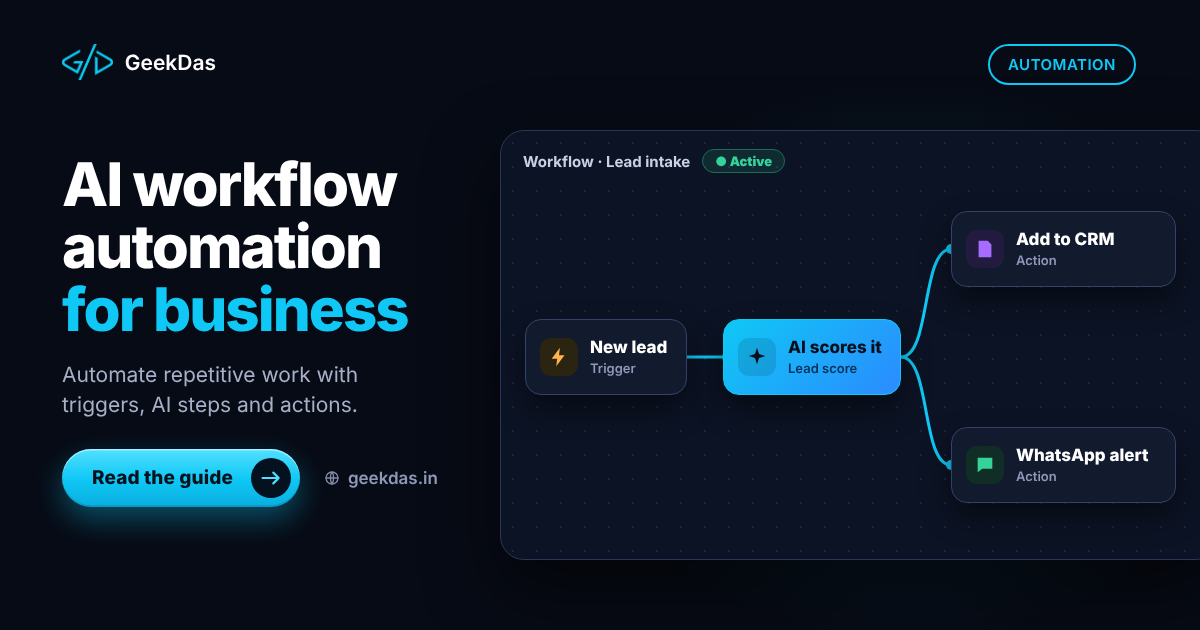
Look for someone who talks about evaluation, validation and fallbacks before models, who can build the surrounding product (API, interface and data), and who is candid about limits. Ask how they handle structured output, cost control and privacy. The LLM feature integration service describes what GeekDas covers. For automation across several systems, see AI workflow automation, and for channels such as messaging, the WhatsApp AI chatbot guide.
Why GeekDas
GeekDas is a one-developer practice in Jaipur, Rajasthan, building LLM-powered features as part of the whole product: data pipeline, interface, API, and fallbacks, not only the model call. Experience includes AI assistants and chatbots in SaaS products for customer messaging. It suits focused features inside existing products. Programmes needing dedicated machine-learning research or model training are a different kind of project.
Conclusion
A dependable LLM feature is mostly engineering around the model: a narrow task, constrained output, controlled cost, tested quality and graceful failure. Start small, measure honestly and keep humans in the loop where the stakes are real.
If you are planning an AI feature, describe the task and the data it will use and I will suggest a scoped first version.
Was this article helpful?
Comments
Leave a comment
Loading comments...