

Custom Web Application Development: A Buyer's Guide
Many businesses reach the same point: the spreadsheets are fragile, the off-the-shelf tool does 80 percent of the job, and the remaining 20 percent is the part that actually makes the company different. That gap is where custom web application development earns its cost.
This guide explains what a custom web application is, when it is the right choice and when it is not, how projects are built, which technologies are common, what drives the price, and how to choose a developer. It is written for business owners and decision makers rather than engineers, with enough technical detail to ask good questions.
What is a custom web application?
A custom web application is software built specifically for your processes and accessed through a browser. Unlike a marketing website, users log in and do things: manage orders, approve requests, track inventory, schedule jobs, analyse data. Unlike packaged software, it is designed around how your business actually works.
Typical examples include customer portals, booking and logistics systems, internal dashboards, workflow tools, marketplaces and subscription products. GeekDas has built, among others, a multilingual logistics booking system and a WhatsApp automation platform with a visual flow builder, which illustrates how different the requirements can be.
Custom vs off-the-shelf software
The honest answer is that off-the-shelf software is often the better choice. Custom development makes sense in specific situations.
Factor | Off-the-shelf / SaaS tool | Custom web application |
|---|---|---|
Time to start | Hours to days | Weeks to months |
Upfront cost | Low | Higher |
Ongoing cost | Subscription per user, which grows with the team | Hosting and maintenance, no per-seat licence |
Fit to your process | You adapt to the tool | The tool adapts to you |
Integrations | Limited to what the vendor supports | Anything with an API |
Competitive advantage | None, competitors use the same tool | Can be a differentiator |
Data ownership and control | Held by the vendor | Yours |
Risk | Vendor pricing and feature changes | Quality depends on who builds it |
When off-the-shelf is the better choice
Your process is standard (accounting, basic CRM, email marketing).
You need to be running next week.
The tool already covers nearly everything you need.
When custom development makes sense
The tool forces workarounds that cost time every day.
Your process is a competitive advantage you do not want to flatten into a template.
Per-user licences have become expensive.
You need to connect systems that do not integrate.
You are building a product that customers pay for (see SaaS development).
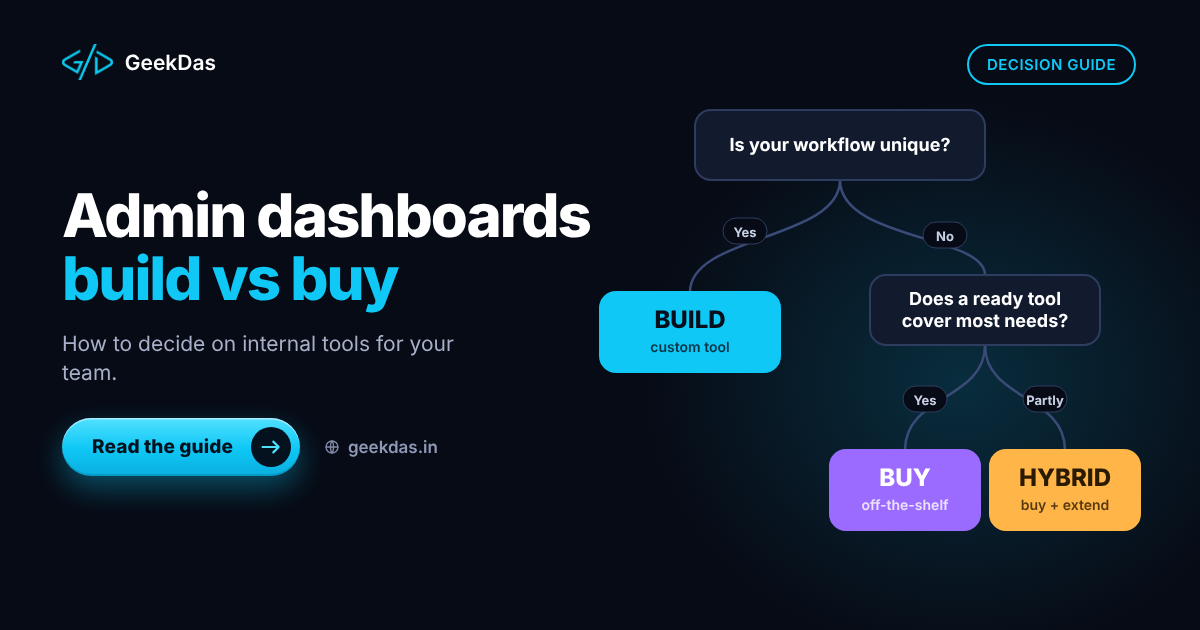
A useful middle path: use an existing tool for the standard 80 percent and build custom software only for the part that is unique.
Common types of custom web applications
Internal tools and admin panels that replace spreadsheets and manual copy-paste (see admin dashboards and internal tools)
Customer portals where clients view orders, invoices or documents
Booking and scheduling systems
Marketplaces connecting buyers and sellers
Workflow and approval systems
SaaS products sold by subscription
Integration hubs that sync data between systems
What a good build includes
Regardless of type, a production-quality web application normally covers:
User accounts, authentication and role-based access
A well-designed database with migrations and backups
A documented API
Input validation and secure defaults
Email and notification handling
Logging, error monitoring and deployment automation
Documentation so that another developer can take over
On GeekDas, these are described under custom web application development.
The development process
Discovery. Document the workflows you want, who uses them and what a good outcome looks like. Time spent here is the cheapest time in the project.
Scope and plan. Agree a feature list, milestones and an estimate. Separate must-haves from later phases.
Design. Sketch flows and screens, and confirm them before coding.
Build in short cycles. Working software is shown every one to two weeks.
Testing. Cover the critical paths with automated tests and check on real devices and browsers.
Deployment. Release to a production environment with backups and monitoring.
Support and iteration. Fix issues, then improve based on real use.
If you are testing a new product idea, begin with a smaller version: MVP development for startups explains how.
Technologies
The stack should be chosen for your requirements, not fashion. Common, reliable options:
Layer | Common choices | Notes |
|---|---|---|
Frontend | React, Next.js | Large talent pool, strong SEO options with Next.js |
Backend | Node.js (Express, NestJS), Laravel | |
Database | PostgreSQL, MySQL | Relational data suits most business applications |
Infrastructure | Docker, managed cloud services, CI/CD | Reproducible deployments |
Be wary of any proposal that relies on an obscure framework only the provider uses. That creates lock-in.
Cost and timeline
Reliable pricing is only possible after discovery. The factors that move cost the most:
Number of distinct workflows and user roles
Complexity of business rules (pricing, approvals, calculations)
Third-party integrations such as payment, messaging or accounting systems
Reporting and dashboards
Real-time features
Design effort and the number of screens
Data migration from existing systems
As a planning reference, GeekDas service pages indicate that a focused first version often takes 4 to 12 weeks. Larger systems take longer. Ask for a fixed estimate against a written feature list, and agree how changes will be priced.
Common mistakes
Specifying solutions instead of problems. Describe the workflow and pain point; let the developer propose the design.
Trying to build everything at once. Phase the work and release the most valuable part first.
Ignoring data migration. Moving existing data is often a hidden task.
Underestimating maintenance. Software needs security updates, hosting and small fixes after launch.
No ownership clause. Ensure you own the code, repository and infrastructure.
Choosing on price alone. The cheapest quote often omits testing, security or documentation.
How to choose a development partner
Look for a partner who:
Asks about your process and users before quoting
Can show live products or specific, verifiable past work
Explains trade-offs and is willing to recommend off-the-shelf where it fits
Commits to code ownership and documentation in writing
Shows working software frequently
Has a clear plan for support after launch
The same evaluation framework is expanded for subscription products in how to choose a SaaS development partner.
Solo developer vs agency
Solo full stack developer | Agency | |
|---|---|---|
Communication | Direct with the builder | Through a manager |
Cost | Typically lower overhead | Typically higher |
Capacity | One person | Several people in parallel |
Specialist skills | Broad, but limited depth in some areas | Dedicated designers, QA, DevOps |
Best for | Focused apps, first versions, extensions | Large, multi-stream projects |
Global and India-specific notes
Custom web applications are routinely built across borders. Agree a working overlap window, written updates and a milestone-based payment plan. For clients in India, consider GST invoicing and integration with local payment methods such as UPI; for international clients, confirm currency and invoicing in advance. GeekDas is based in Jaipur, Rajasthan, in IST (UTC+5:30), and works with clients in different time zones.
Conclusion
Custom web application development is an investment in software that fits the way your business works. It pays off when your process is distinctive, when tools do not integrate, or when you are building a product customers will pay for. Start with discovery, build in phases, own your code and choose a partner who is willing to say when custom is not the answer.
If you are weighing custom software for a specific problem, describe it in a short message and I will tell you plainly whether custom development makes sense.
Was this article helpful?
Comments
Leave a comment
Loading comments...