

AI Workflow Automation for Business: What to Automate and How
Most businesses have work that nobody enjoys and nobody can quite eliminate: reading incoming emails and deciding where they go, copying details from documents into systems, writing the same follow-up in slightly different words, checking whether a form is complete. These tasks are repetitive, they are text-heavy, and until recently they were hard to automate because they needed judgement.
Language models changed that. They can read messy input and make reasonable decisions about it, which opens up a class of automation that rigid rules could not handle. They also introduce new risks. This guide explains what AI workflow automation is, which tasks suit it, how it differs from older automation, how to design it so it stays safe and auditable, and how to start without overreaching.
What is AI workflow automation?
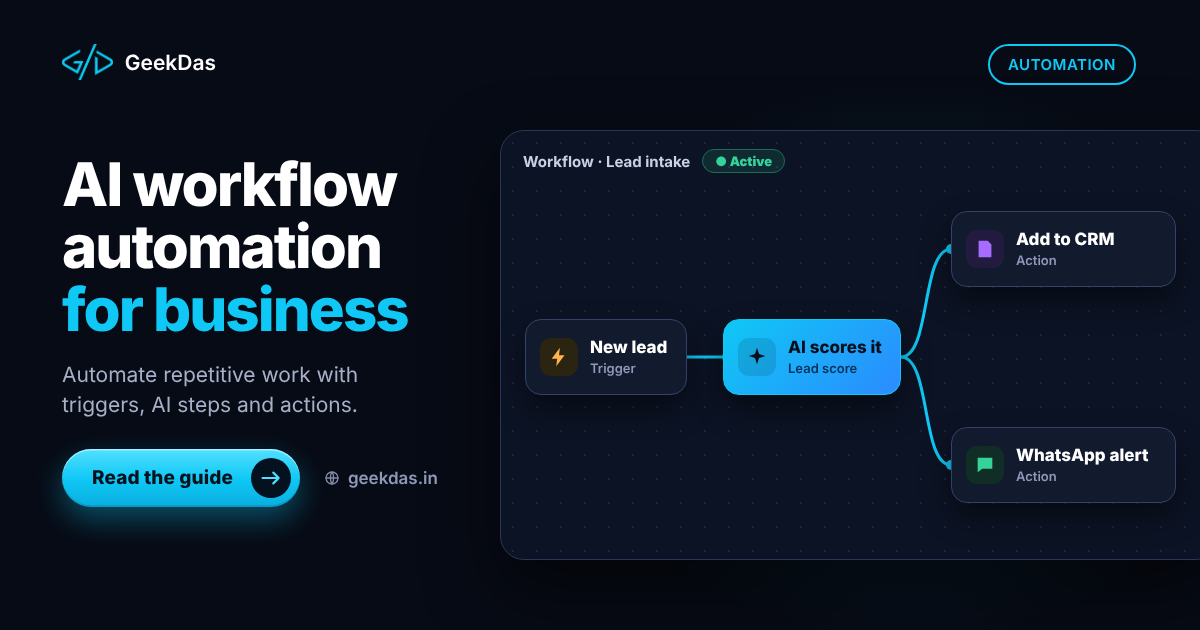
A workflow is a sequence of steps: something happens (a trigger), information is gathered, decisions are made and actions are taken. AI workflow automation uses a language model for the steps that involve understanding or generating text, and ordinary code and integrations for everything else.
For example: an enquiry email arrives (trigger), the model identifies the product and urgency and extracts the contact details (understanding), your system creates a CRM record and assigns it to the right person (action), and a draft reply is prepared for review (generation).
AI automation vs rule-based automation vs RPA
Rule-based automation | RPA (robotic process automation) | AI workflow automation | |
|---|---|---|---|
How it works | If-then rules on structured data | Mimics clicks and keystrokes in existing apps | Model interprets unstructured input, code performs actions |
Handles messy text | Poorly | Poorly | Well |
Predictability | Very high | High until the interface changes | Lower; needs validation |
Best for | Clear, structured processes | Legacy systems without APIs | Emails, documents, free-text requests |
Main risk | Rules cannot cover every case | Fragile to interface changes | Wrong or inconsistent outputs |
These are complements, not competitors. A good system uses rules wherever the logic is clear, AI where understanding is needed and RPA only where no API exists.
Workflows vs agents
You will hear the term "AI agent". The distinction matters for risk.
Workflow: a fixed path you design. The model performs certain steps, but the sequence is predetermined. Predictable and easy to test.
Agent: the model decides which tools to call and in what order to reach a goal. More flexible, harder to test, and riskier when it can take actions.
For business processes, start with workflows. Use an agent only where the path really cannot be predicted, and give it narrow tools, limits and human approval for consequential actions. Many problems described as needing an agent are solved better by a workflow with one or two AI steps.
Tasks that suit AI automation
Email and message triage: classify, route, prioritise and draft replies.
Document processing: extract fields from invoices, forms, contracts and receipts.
Data entry and enrichment: populate records from free text.
Support operations: categorise tickets, suggest answers from your documentation, summarise long threads.
Sales operations: qualify enquiries, summarise calls, prepare follow-ups.
Content operations: first drafts, translations and tagging, reviewed by people.
Reporting: turn data and notes into readable summaries.
Internal requests: answer HR and IT questions from policy documents.
Tasks that do not suit it
Decisions with legal, medical or major financial consequences made without review
Anything needing exact calculation, which belongs in code
Processes so inconsistent that nobody can say what the correct outcome is
Work with very low volume, where manual handling is cheaper than building automation
How to pick the first workflow
Score candidates on:
Volume: how often does it happen?
Time per instance: how long does it take a person?
Cost of a mistake: is it recoverable?
Clarity: can you describe the correct outcome?
Data access: are the systems reachable by API or export?
The best first project is high volume, low risk and clearly defined, such as triaging inbound emails or extracting data from standard documents.
Designing a safe automation
Define the trigger and the output
Be precise about what starts the workflow and exactly what it should produce.
Break it into steps
Use deterministic code for fetching data, checking permissions, calculations and writing records. Use the model only for interpretation and drafting.
Validate everything the model returns
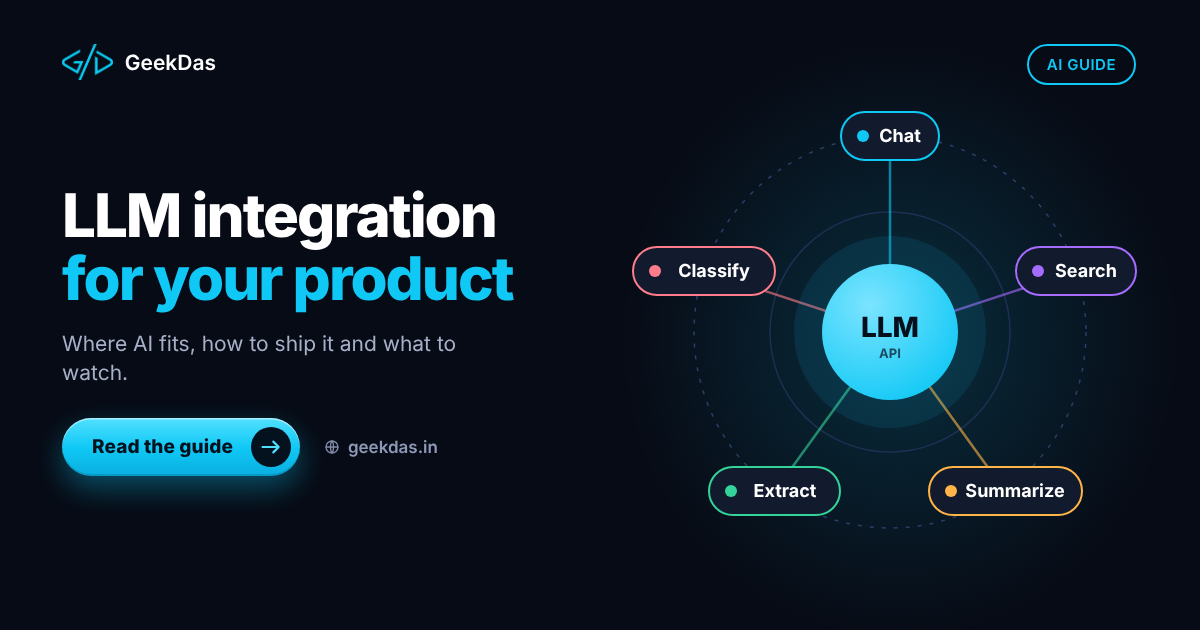
Require structured output, check it against rules (valid dates, known categories, amounts within limits) and reject or flag anything that fails. The patterns are described in the LLM integration guide.
Keep humans in the loop for consequential actions
A common pattern is draft and approve: the automation prepares the action and a person confirms it. As confidence grows with measured accuracy, you can auto-approve the low-risk categories.
Handle failure
Plan for the model being unavailable, outputs being invalid, and integrations timing out. Use retries, queues and a clear "needs attention" state rather than silent failure.
Log and audit
Record inputs, model outputs, decisions and actions with timestamps, so that you can explain what happened and improve the workflow. Avoid storing sensitive data longer than necessary.
Secure the integrations
Use least-privilege access for each connected system, store credentials securely, and be careful with prompt injection: text in emails or documents may contain instructions aimed at the model, so never let such text grant permissions or trigger sensitive actions.
Typical building blocks
Component | Purpose |
|---|---|
Trigger | Email, webhook, form, schedule, new file |
Orchestration | A backend service or workflow engine that runs the steps |
Language model | Understanding, extraction, classification, drafting |
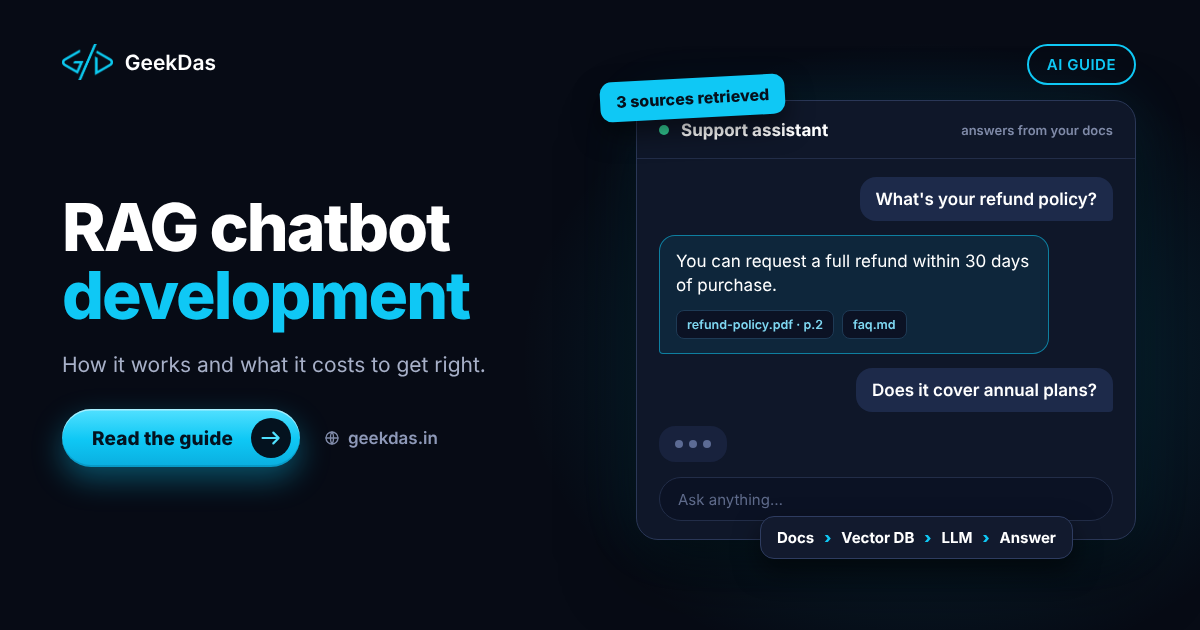
Retrieval | Looks up policies or documents when answers must be grounded; see the RAG chatbot guide |
Integrations | CRM, helpdesk, accounting, messaging, databases |
Review interface | A queue where people approve or correct outputs |
Monitoring | Logs, error alerts, cost and accuracy tracking |
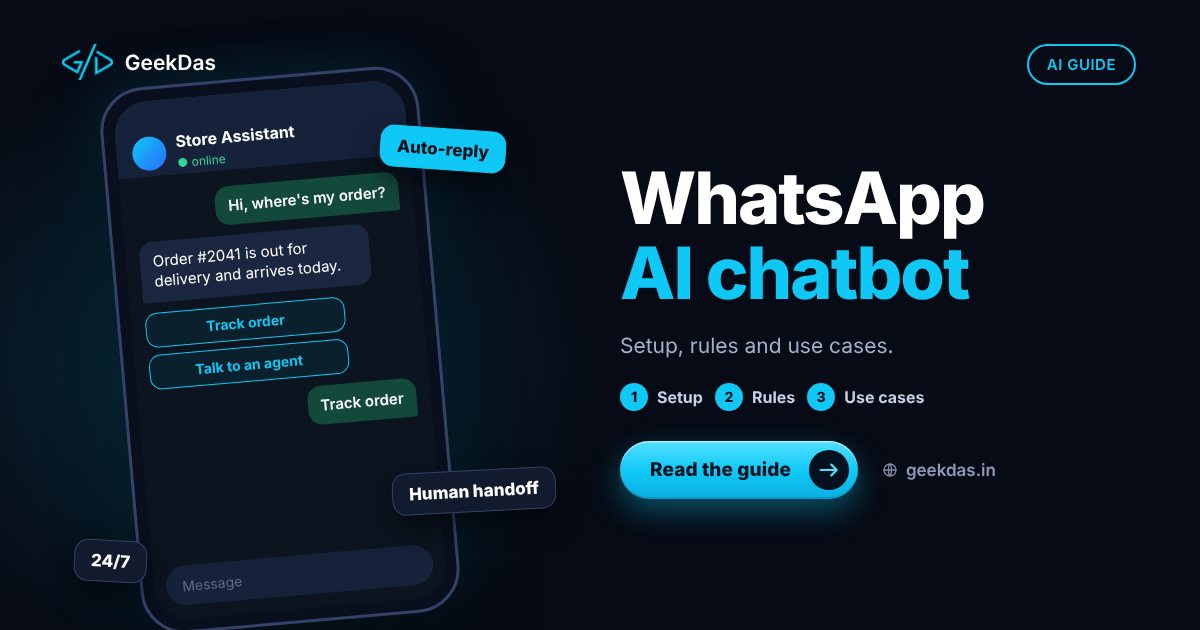
The review interface is often a simple internal tool; the admin dashboard and internal tools guide explains how to build one. Customer-facing channels such as WhatsApp AI chatbots can be the trigger or the output of a workflow.
Measuring return
Measure before and after:
Time spent per task and total hours saved
Error rate and rework
Response or processing time
Volume handled
Cost of model usage and maintenance
Staff and customer feedback
Be realistic. Automation rarely removes a whole role; it usually removes the tedious part of many roles and speeds up turnaround. Include the ongoing cost of monitoring and updating the workflow in your calculation.
Starting small: a practical path
Map the current process with the people who do it, including exceptions.
Collect 50 to 100 real examples, which become your test set.
Build a draft-and-approve version for one workflow.
Run it in shadow mode: the automation runs but humans still do the work, and you compare results.
Go live with review, measuring accuracy and time saved.
Expand gradually to more workflows or less review as results justify it.
On GeekDas service pages, AI workflow automation projects commonly take 2 to 6 weeks, depending on the number of systems and the complexity of the rules. Treat that as a planning reference.
Common mistakes
Automating a broken process. Fix the process first.
Starting with an agent when a workflow would do.
No test set, so quality is guesswork.
Giving the automation broad permissions.
Removing human review too early.
Ignoring prompt injection from external text.
No monitoring, so silent failures accumulate.
Underestimating change management: staff need to trust and understand the tool.
How to choose a developer
Look for someone who asks about your process and exceptions first, designs for validation and human review, can build the integrations and review interface as well as the AI step, and is honest about limits. Ask for how they test, log and handle failure. See the AI workflow automation service for how GeekDas approaches it.
Why GeekDas
GeekDas is a one-developer practice in Jaipur, Rajasthan, with experience building WhatsApp automation platforms and SaaS products with AI features. That background covers the integration side of automation (webhooks, queues, APIs and internal tools) as well as the AI step. It suits focused automations for small and mid-sized teams, not large enterprise transformation programmes.
Conclusion
AI workflow automation works best when it is modest: a clear process, a well-chosen first task, validation around every model output, a human reviewing what matters and measurement from the start. Build trust with small wins, then extend.
If you have a repetitive process you suspect could be automated, describe it in a few lines and I will tell you honestly whether AI is the right tool and what a first version would look like.
Was this article helpful?
Comments
Leave a comment
Loading comments...