Snap vs APT on Ubuntu Server (2026): Which to Use?
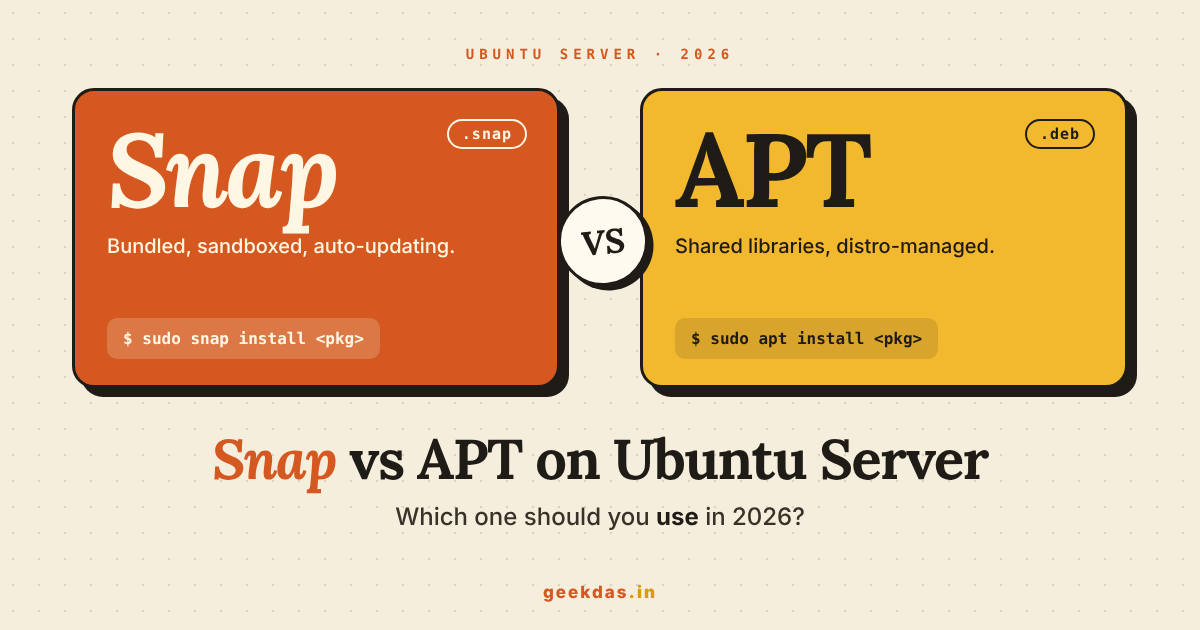
Use APT for the core of a server: web servers, databases, languages and system tools. Use Snap only when the software you need is mainly published as a snap, such as Certbot or LXD, or when you want a newer version than Ubuntu offers. Whatever you choose, control when updates happen so a restart never surprises you.
A laptop and a server have different needs. On a laptop, you want fresh apps and do not mind a little extra disk use. On a server, you want things to be predictable: the same version tomorrow as today, updates at a time you choose, and as few moving parts as possible.
This guide compares Snap and APT with that server mindset. If you want the desktop view, read Snap vs APT differences and use cases instead.
The short version
Question | APT | Snap |
|---|---|---|
Updates | When you run them, or via unattended-upgrades | Automatic, several times a day by default |
Versions | Fixed per Ubuntu release, security fixes only | Often newer, set by the publisher |
Disk use | Small, shared libraries | Larger, each snap bundles its own libraries |
Isolation | Normal system access | Sandboxed (confined) in most cases |
Rollback | Manual, via version pinning or backups | Built in: |
Startup | Fast | A little slower on the first run |
What are APT and Snap, in plain words?
What is APT?
APT is the standard package manager on Ubuntu and Debian. A package manager is a tool that downloads software, installs it and keeps track of it. APT installs .deb files. These files share libraries (pieces of code many programs use), so each package is small. When you run sudo apt install nginx, APT also installs the pieces Nginx depends on and nothing more.
What is Snap?
Snap is a newer system made by Canonical, the company behind Ubuntu. A snap is a single package that includes the app and almost everything it needs to run. It is mounted like a small disk image, and it runs with limits on what it can touch. The background service that manages snaps is called snapd.
On Ubuntu Server, snapd is installed by default. You may already be running snaps without knowing. Check with:
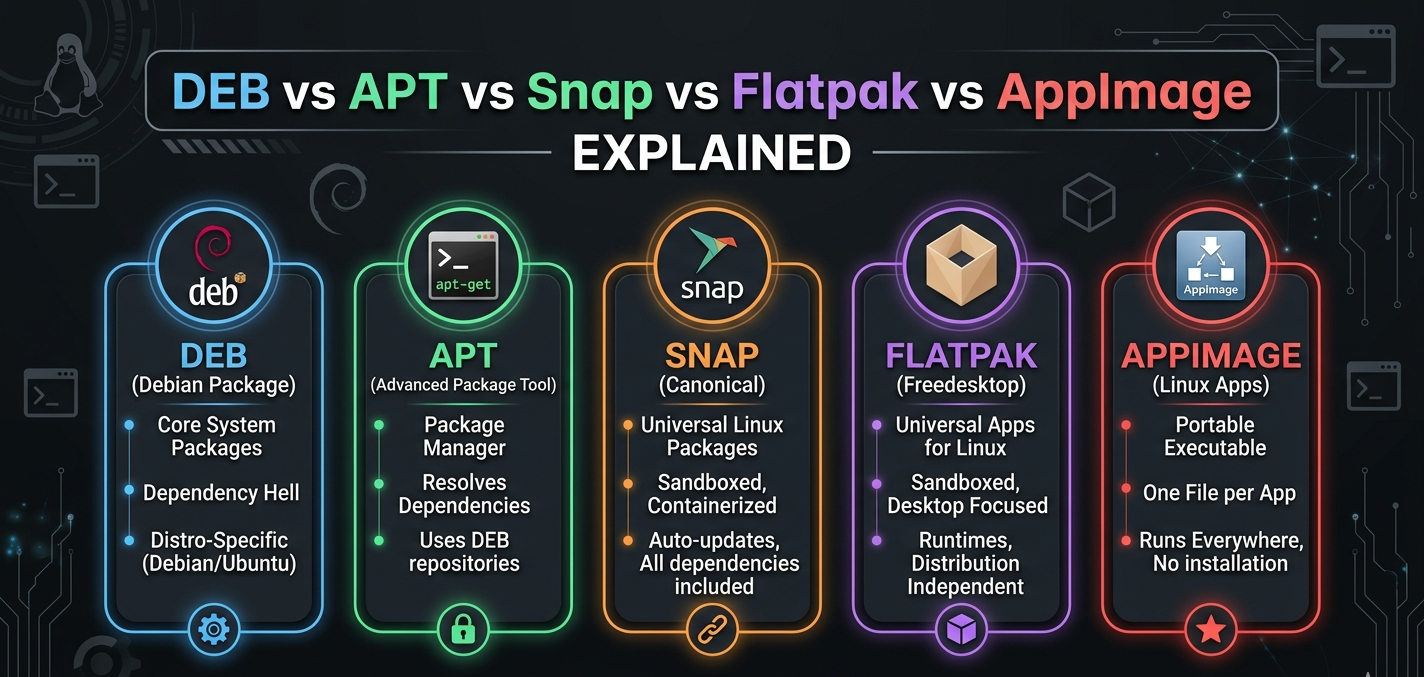
snap listFor a deeper explanation of the formats, see the guide to DEB, APT, Snap, Flatpak and AppImage.
Updates: the biggest difference on a server
How APT updates
APT does nothing until you ask, unless you turn on unattended-upgrades. This is a service that installs security updates on its own. Enable it with:
sudo apt install unattended-upgrades
sudo dpkg-reconfigure --priority=low unattended-upgrades
Its settings live in /etc/apt/apt.conf.d/50unattended-upgrades. By default it installs only security updates, which keeps versions stable. You can also stop one package from changing:
sudo apt-mark hold nginxRelease the hold later with sudo apt-mark unhold nginx.
How Snap updates
Snap checks for new versions about four times a day and installs them on its own. This is called a refresh. A refresh replaces the running app with a new version, and the service restarts.
For a hobby server this is fine. For a production service, a restart at 2 p.m. on a busy day is not. You can control it.
Choose a refresh window
sudo snap set system refresh.timer=sat,03:00-05:00This means "refresh only on Saturdays between 3 a.m. and 5 a.m." Check the setting with snap refresh --time.
Pause refreshes
sudo snap refresh --hold=72hThis holds all snaps for three days. You can hold a single snap by adding its name, for example sudo snap refresh --hold=72h certbot. Holds work on recent snapd versions, which Ubuntu 22.04 and newer include.
Keep fewer old copies
Snap keeps old revisions so you can go back. By default it keeps up to three revisions in total, the current one and two older ones, which uses disk space. Reduce it with:
sudo snap set system refresh.retain=2The lowest allowed value is 2, which keeps the current version and one older one.
Which one is safer for updates?
Neither is "better". APT with unattended-upgrades gives you only security fixes, so behaviour rarely changes. Snap gives you the publisher's latest version, which can bring new features and new bugs. On a server, predictable usually wins, so APT is the safer default.
Versions: do you need something newer?
Ubuntu freezes the version of each package when a release comes out. Ubuntu 24.04 will keep the same major version of a tool for years and only add security patches. This is great for stability and less great if you need a newer feature.
You have three ways to get newer software:
A snap. Quick, but you now have a service managed by snapd.
A vendor repository. For example, Nginx, PostgreSQL and Node.js publish their own APT repositories. You still use APT, and the software stays inside the normal update flow.
A container. Running the app in Docker keeps its version separate from the host.
For databases and web servers, option 2 is usually the best balance. For tools where the publisher recommends a snap, option 1 is fine.
Security and isolation
What is confinement?
Confinement is the limit on what a snap can reach. A strictly confined snap cannot read your files, network settings or devices unless it is given permission through a connection called an interface.
snap connections certbotThis lists what a snap is connected to.
Why this matters on a server
A confined snap limits the damage if the app is compromised. That is a real benefit. But it also causes surprises:
A snap may not read files outside its own areas or your home folder.
Hidden folders in home, such as
~/.ssh, can be blocked.Configuration lives in
/var/snap/NAMEinstead of/etc.
Some snaps use classic confinement, which means no sandbox at all, such as certbot --classic. Classic snaps run with the same access as a normal program. They are not less safe than APT packages, but you do not get the sandbox benefit.
Security updates for APT
Ubuntu's security team patches packages in its repositories. With a subscription to Ubuntu Pro (free for personal use on up to five machines), the coverage extends to many more packages in the universe repository. Snaps are updated by their publishers, so how quickly you get a fix depends on who publishes the snap.
Disk space and performance
Disk space
A snap includes its own libraries, so it is bigger than the same APT package. Old revisions add more. Also, each snap appears as a mounted loop device, so df -h and lsblk become noisy:
df -h | grep loopThis is cosmetic, but it can confuse monitoring tools that alert on any full mount. Loop devices from snaps always show 100% used, so exclude them in your monitoring rules.
Speed
Snaps compress their files. The first time a snap starts after a reboot, it can take a second or two longer. On a long-running service you will not notice. On a command that is started thousands of times, such as a script that calls a snap-installed tool in a loop, you might.
Real examples
Certbot (HTTPS certificates)
Certbot's own instructions recommend a snap, because it is updated by the Let's Encrypt team without waiting for an Ubuntu release.
sudo snap install --classic certbot
sudo ln -s /snap/bin/certbot /usr/bin/certbot
Here the snap is a good choice. Pair it with a refresh window so renewals are not disturbed.
Nginx
Use APT. It is in the Ubuntu repositories, it is configured in /etc/nginx and every tutorial assumes this layout.
sudo apt install nginxFor a newer version, add the official Nginx repository and keep using APT.
Docker
Install Docker from Docker's own APT repository, not from a snap. The snap version has extra restrictions on file access, which breaks common setups such as bind-mounting folders outside your home directory.
LXD
LXD, the system container tool, is distributed as a snap on Ubuntu. Follow the official route:
sudo snap install lxdPostgreSQL, MySQL and Redis
Use APT, or the vendor's APT repository. Databases need stable, predictable behaviour and well-known file paths for backups.
Node.js, Python and other languages
Use your distribution's package for the system tool, but use a version manager (such as nvm or pyenv) for project work. A snap of a language runtime often has file access limits that annoy developers.
Rollbacks and recovery
One real strength of Snap is built-in rollback:
snap list --all certbot
sudo snap revert certbot
snap revert returns to the previous revision and keeps your data from before the update. With APT you do this by installing an earlier package version, which only works if the old version is still in the repository, so a snapshot or backup is wise.
To see what Snap has been doing recently:
snap changes
snap tasks 42
Replace 42 with an ID from the first command.
A simple decision guide
Choose APT when:
The package is in Ubuntu's repositories and the version is good enough.
The service is critical and needs controlled, predictable updates.
You depend on standard paths like
/etcand/var/log.You want the smallest footprint.
Choose Snap when:
The publisher recommends a snap (Certbot, LXD).
You need a newer version and no vendor APT repository exists.
You like built-in rollback and a sandbox, and you can set a refresh window.
Avoid mixing both for the same software. Two copies of the same tool cause path confusion, such as the shell running the APT version while your service uses the snap.
Removing Snap from a server
Some teams decide they do not want snapd at all, especially on small virtual machines. You can remove it, as long as you replace anything you installed with it. The steps for Ubuntu are in how to remove Snap completely. Before doing so, run snap list and make sure nothing important, such as LXD or Certbot, depends on it.
Common mistakes
Letting snaps refresh in the middle of the workday
Set a refresh window as shown above. It takes one command.
Installing Docker as a snap
Use Docker's APT repository to avoid file access issues.
Monitoring loop devices
Exclude /snap and loop mounts from disk alerts.
Mixing snap and APT versions of the same tool
Check with which -a toolname and keep only one.
Forgetting configuration lives elsewhere
Snap configuration is under /var/snap/NAME/current and not /etc. Back up the right folder.
Conclusion
On a server, treat APT as your default and Snap as a tool for specific jobs. Set a refresh window for snaps, enable unattended security upgrades for APT and keep a clear note of which tool installed what. That gives you the predictability a server needs.
If you also run Linux on a desktop, the Snap vs Flatpak comparison and Flatpak best practices will help there. For official details, see the Snapcraft documentation and the Ubuntu Server documentation.
Was this article helpful?
Frequently Asked Questions
Is Snap or APT better for Ubuntu Server?
Does Ubuntu Server use Snap by default?
How do I stop Snap from updating automatically?
Is Snap slower than APT?
Can I use Snap and APT together?
Are snaps secure?
Related Articles
How to Remove Snap Completely from Ubuntu (2026 Guide)

Snap vs Flatpak (2026): Full Comparison and Verdict

Snap vs DEB (2026): Differences, Speed and Which to Pick

Snap vs APT (2026): Differences and Which to Use on Ubuntu
DEB vs APT vs Snap vs Flatpak vs AppImage: 2026 Guide