

cURL Command Guide: Usage, Examples, and Common Mistakes
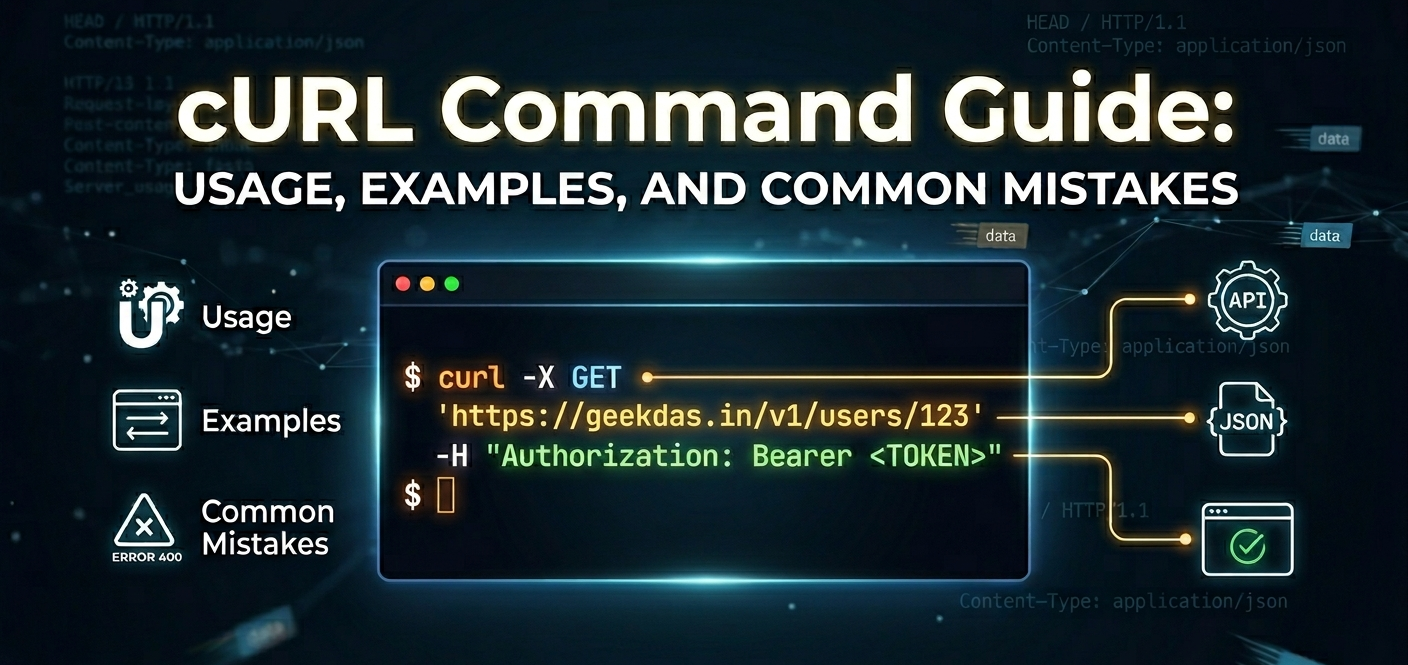
If you work with APIs, servers, or websites, you’ve likely heard of cURL. Short for Client URL, curl is a powerful command-line tool used to transfer data between systems using URLs. From testing APIs to downloading files, sending POST requests, handling authentication, and debugging HTTP issues-cURL is a must-know utility for developers, DevOps engineers, and system administrators.
In this complete guide, you’ll learn how to set up cURL, run practical commands, avoid common mistakes, and understand how it compares to other tools in the same category.
What is cURL?
cURL is an open-source command-line tool and library for transferring data with URLs. It supports numerous protocols, including:
HTTP / HTTPS
FTP / FTPS
SFTP / SCP
SMTP / IMAP / POP3
LDAP and more
It’s widely used for:
API testing
Debugging server responses
Automating downloads
Authentication testing
Sending form data
Setting Up cURL
Most systems already include cURL.
Check if cURL is installed
curl --versionInstall cURL
macOS (via Homebrew)
brew install curlUbuntu / Debian Linux
sudo apt install curlWindows
Modern Windows versions include cURL in Command Prompt and PowerShell.
Basic cURL Syntax
curl [options] [URL]Example:
curl https://example.comPractical cURL Command Examples
Making a Simple GET Request
curl https://api.example.com/usersThis fetches data from the URL using the default GET method.
Sending a POST Request with Data
curl -X POST https://api.example.com/users \
  -H "Content-Type: application/json" \
  -d '{"name":"John","email":"john@example.com"}'
Adding Headers to a Request
curl -H "Authorization: Bearer TOKEN" https://api.example.com/profileSaving Output to a File
curl -o file.html https://example.comFollowing Redirects
curl -L http://example.comViewing Response Headers
curl -I https://example.comUploading a File
curl -F "file=@document.pdf" https://example.com/uploadDebugging with Verbose Mode
curl -v https://example.comUsing cURL for API Testing
cURL is heavily used to test REST APIs. You can simulate requests exactly like a frontend or mobile app would send.
curl -X PUT https://api.example.com/users/1 \
  -H "Authorization: Bearer TOKEN" \
  -d '{"role":"admin"}'
Authentication with cURL
Basic Auth
curl -u username:password https://example.comBearer Token
curl -H "Authorization: Bearer TOKEN" https://api.example.comWorking with Query Parameters
curl "https://api.example.com/search?q=curl&limit=10"Common Mistakes When Using cURL
1. Not specifying the protocol
Wrong:
curl example.comCorrect:
curl https://example.com2. Forgetting quotes around URLs with parameters
Wrong:
curl https://api.com?q=hello worldCorrect:
curl "https://api.com?q=hello world"3. Missing -L for redirects
Some sites redirect HTTP ➜ HTTPS.
4. Wrong content type for POST requests
Always set:
-H "Content-Type: application/json"5. Not using verbose mode while debugging
Use -v to see request/response details.
Benefits of Using cURL
Available on almost every OS
Lightweight and fast
Supports many protocols
Perfect for automation and scripting
Excellent for API debugging
No GUI needed
Comparison: cURL vs Other Tools
Feature | cURL | Postman | wget |
|---|---|---|---|
Interface | CLI | GUI | CLI |
API Testing | Excellent | Excellent | Limited |
Automation | Excellent | Limited | Good |
Learning Curve | Medium | Easy | Easy |
Protocol Support | Very High | HTTP focused | HTTP/FTP |
Scripting Friendly | Yes | No | Yes |
When to use cURL: automation, servers, CI/CD, debugging.
When to use Postman: visual API exploration.
When to use wget: simple file downloads.
Conclusion
cURL is one of the most essential tools in a developer’s toolkit. Whether you’re testing APIs, debugging network issues, uploading files, or automating data transfers, mastering cURL saves time and gives you precise control over HTTP requests. With the examples and best practices in this guide, you can confidently use cURL in real-world scenarios and avoid common pitfalls.
Was this article helpful?